A free tattoo consent form template, plus the five steps to adapt it and what California and Texas actually require before you start.
A tattoo consent form should do more than collect a signature. It should help you confirm who your client is, capture the health information that matters for the procedure, explain what is about to happen and what it risks, and record that the client received aftercare instructions.
You do not have to start from a blank page. Use a template as your starting point, adapt it to your studio and to the rules where you work, then make it easy for clients to complete before the appointment.
The five-minute goal is a useful first draft. Checking the rules in your location, and getting any review you need, takes longer.
What your tattoo consent form should cover
Before you customize anything, check that the form has the sections your studio needs. A practical one usually includes:
Client and session details: name, contact information, date of birth, appointment date, artist, and a description of the tattoo and its placement.
Age and identity check: a way to verify identity and follow local rules about age. Do not assume a parent or guardian can authorize a tattoo for a minor, because in several states they cannot.
Health screening: questions relevant to the procedure, such as allergies, bleeding disorders, medications, skin conditions and anything else that may affect healing.
Informed consent: a clear explanation of the procedure, the risks, the expected result, and a real opportunity to ask questions.
Aftercare: instructions the client can refer to after they leave, plus an acknowledgment that they received them.
Signature and date: a record of the client’s consent, and of the artist or studio representative where that applies.
Treat that as a starting point rather than a universal legal checklist. Requirements vary by state, and sometimes by county or city.
Create your form in five practical steps
1. Start with a template or your current paperwork
Time: about 1 minute
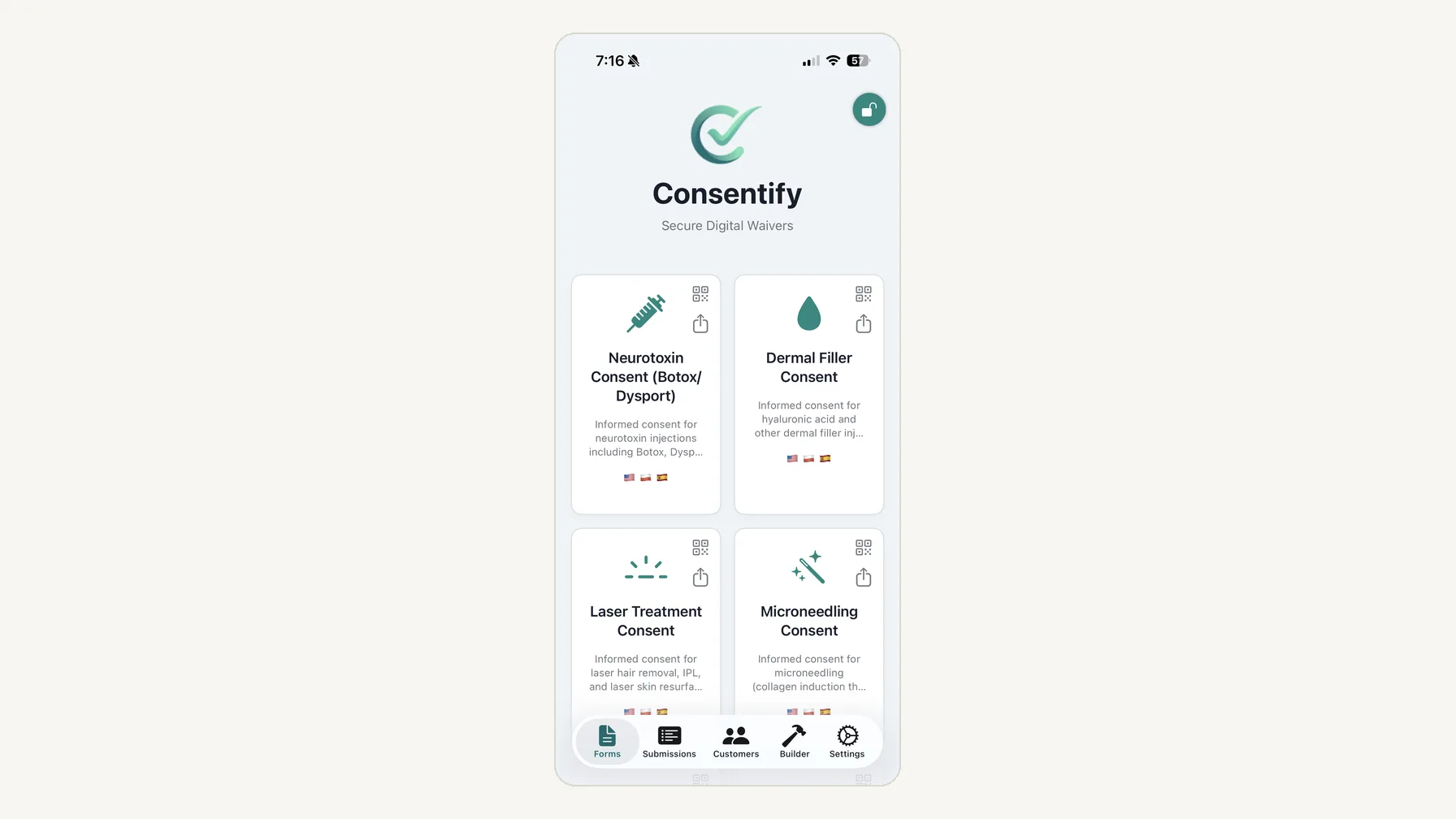
The quickest route is a form that already covers the basics. The free Tattoo/Piercing Consent & Waiver template includes client and service details, age verification, health screening, consent language and a signature.
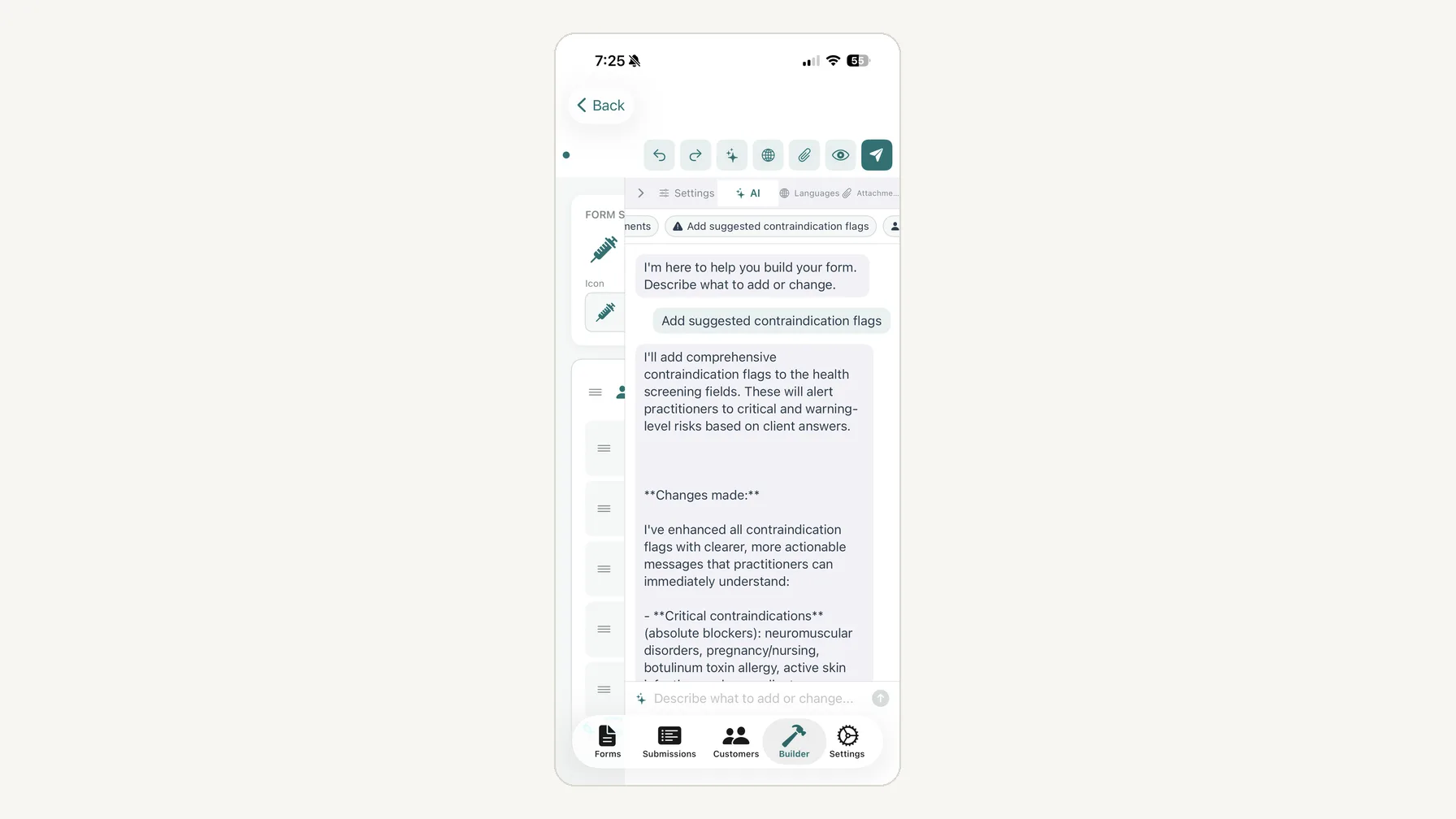
Already have a paper or PDF form that works for you? You can import it and have it turned into an editable digital form, which keeps the workflow your studio already knows instead of making you rebuild every field by hand. Importing is part of the paid plans.
2. Check local rules before you edit the wording
Time: about 1 minute for a first check
Search your state health department and your local health department for tattoo or body art rules. Confirm what they require for age verification, consent, health disclosures, aftercare and recordkeeping. If your studio works with minors where that is permitted, verify the exact age and guardian requirements before you offer those appointments.
The rules get specific, and they are not the same from one state line to the next. Two examples worth reading in full:
California spells out what the consent form has to contain. Health and Safety Code section 119303 requires a description of the procedure, a description of what to expect afterwards including suggested care and possible complications, a statement about the permanent nature of body art, notice that tattoo inks and pigments have not been approved by the FDA, and postprocedure instructions covering care of the site, activity restrictions, the signs of infection and when to seek medical care. Subdivision (b) separately requires a questionnaire asking whether the client may be pregnant and about herpes at the procedure site, diabetes, latex or antibiotic allergies, hemophilia or other bleeding disorders, cardiac valve disease, medication use, and other risk factors for bloodborne pathogen exposure.
Texas requires the studio to inform the client of the risks verbally and in writing before the procedure, according to Texas DSHS guidance. It also prohibits tattooing anyone 17 or younger, with one narrow exception: covering an existing tattoo whose language or symbols are obscene, gang related, drug related or otherwise offensive, where a parent or legal guardian decides the cover is in that person’s best interest. A body piercing on a minor is allowed with guardian consent, but the guardian has to be physically present and show evidence that they are the guardian.
Texas is exactly why the earlier warning matters: a parent saying yes does not make a tattoo lawful everywhere. Use sources from the jurisdiction where you operate, and if you are unsure how a requirement applies to your studio, ask your local health department or a qualified attorney to review your form.
For the rules on minors specifically, see our guide to tattoo consent form requirements by state. It covers the states that allow a minor to be tattooed, the ones that require a notary, and the ones that do not allow it at all.
3. Customize the client, service and screening fields
Time: about 1 minute
Add your studio name and contact details. Make sure the form records the appointment date, the artist, the tattoo description and the placement. If you need proof of age or identity, decide how you will capture it and collect only what your studio actually needs. On paid plans a form can ask the client to attach photos while they fill it in, such as the front and back of a photo ID, taken on their own phone with no app and no account to create.
Review the health questions for relevance and clarity. Use plain language and give clients room to explain a yes. The form should help you spot an answer that needs following up; it should not ask you to diagnose anyone. If an answer raises a concern, pause and follow your studio’s safety process before you start.
4. Make the consent and the aftercare easy to understand
Time: about 1 minute
Explain the procedure and the relevant risks in clear, direct language. Avoid leaning on a broad waiver to do the work of informed consent. Clients should be able to understand what they are agreeing to, ask questions, and decide without feeling rushed.
Give aftercare its own section. Include your studio’s instructions and make them easy to find after the appointment. You can also use a separate Aftercare Instructions & Acknowledgment template to record that the client received the information.
Check that your form does not promise a particular result or imply that a signature removes your studio’s responsibilities. If you use waiver or release language, have a local legal professional review it.
5. Test the client experience, then publish
Time: about 1 minute
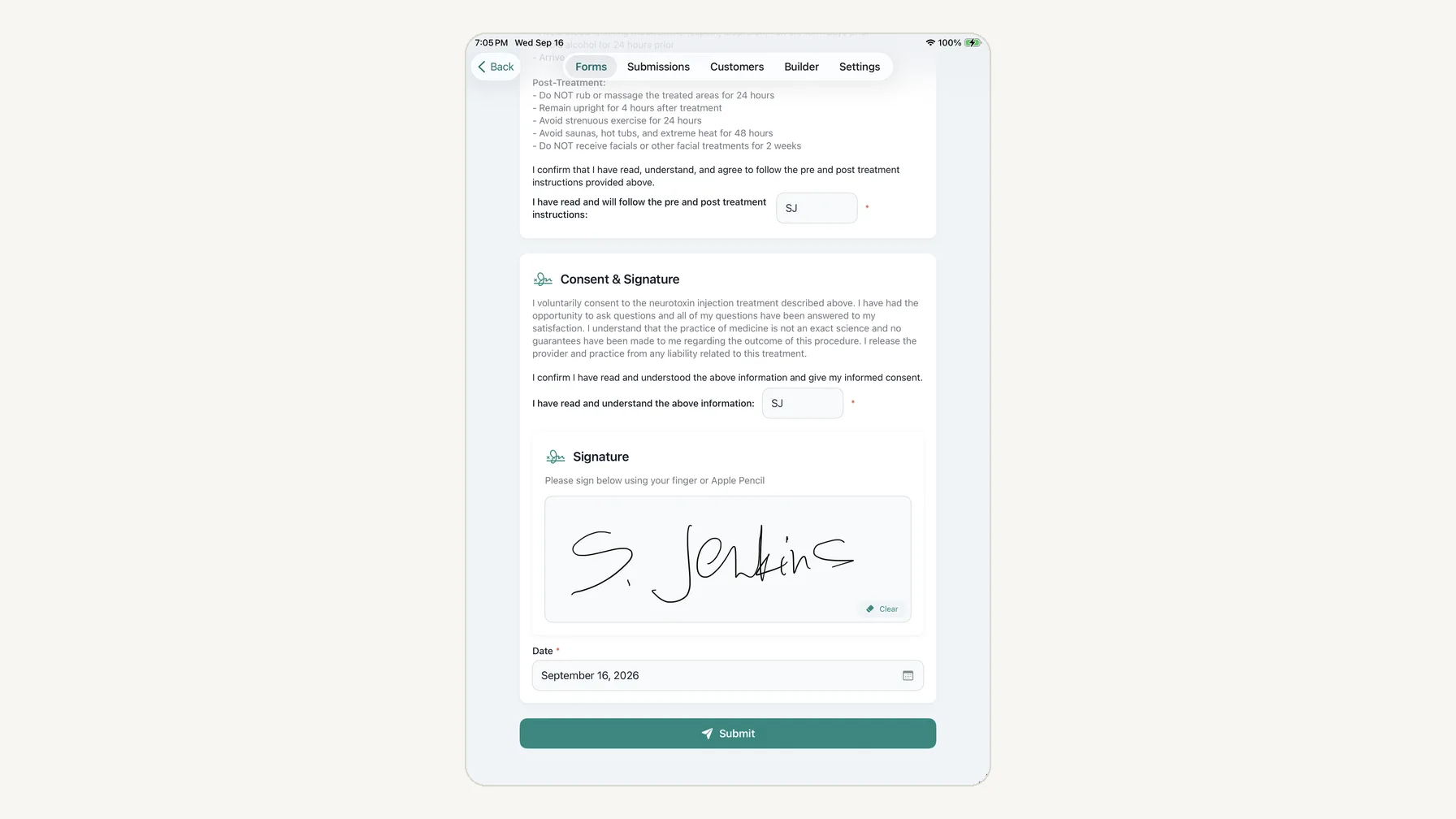
Read the form as though you were completing it on a phone. Are the questions clear? Are the required fields marked? Can the client sign without asking for help? Does submitting it create a record your team can actually find later?
Clients can open the published form from a QR code or a link on their own phone, with no app to install and no account to create, or sign on a studio device you hand them. Either way the signed form and the client record stay together instead of travelling as a clipboard page.
Does a digital version hold up legally?
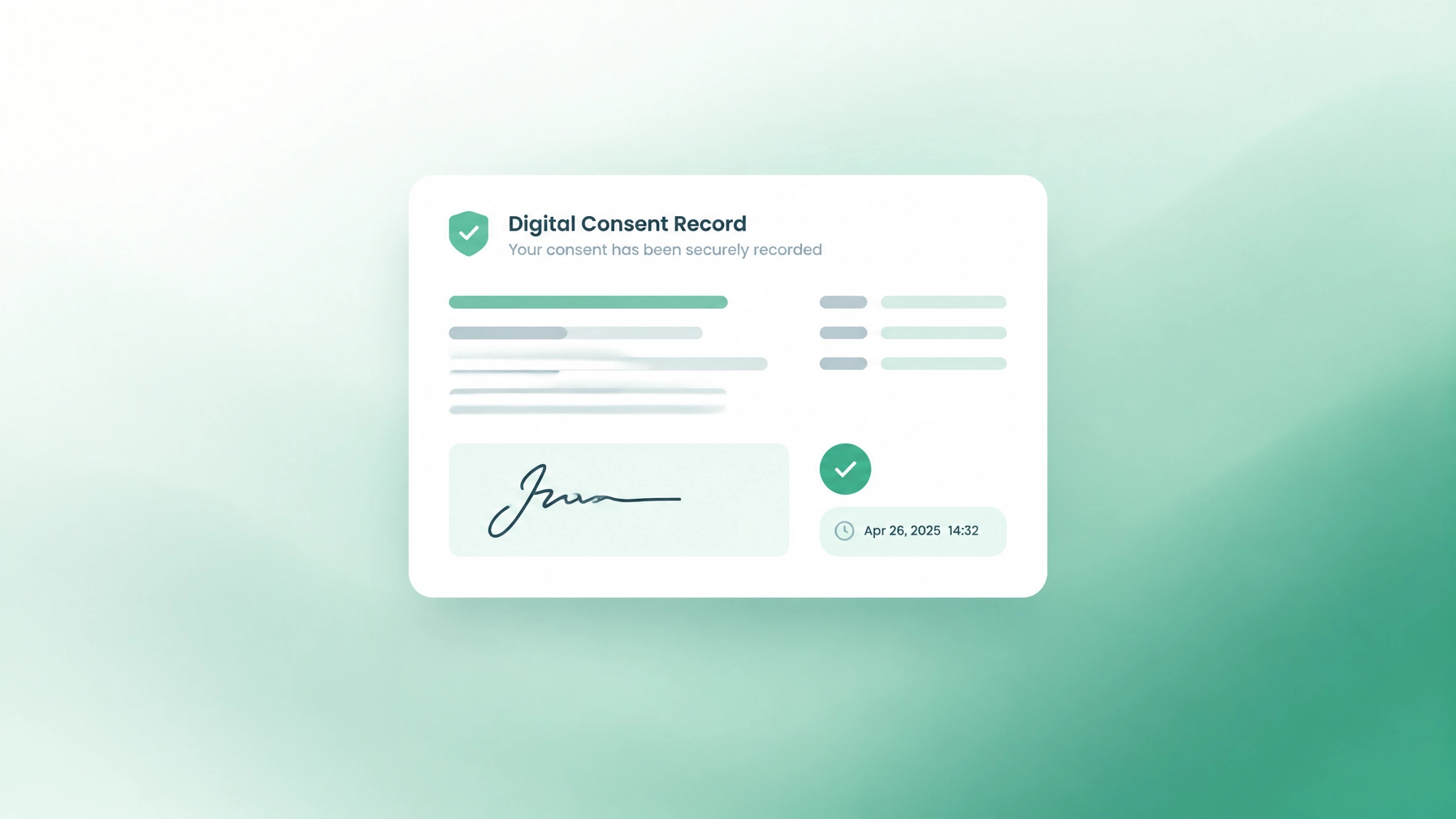
In most US states an electronic signature counts the same as ink. The federal E-SIGN Act and the state versions of the Uniform Electronic Transactions Act say a signature cannot be denied legal effect purely because it is electronic. The conditions are practical: the client has to be able to read what they are signing, the signature has to be attributable to them, and there has to be a record of when it happened.
That is why the audit trail matters more than the signature image. A record of who signed, what they agreed to and when is easier to stand behind than a page that could have been signed by anyone, at any time. Every Consentify submission carries an immutable audit log with a timestamp and the signing IP address. On paid plans a record also gets a cryptographic seal, which you or anyone else can check at getconsentify.com/verify, so a later change to the record is tamper-evident rather than invisible.
Two habits keep it clean. Give the client a copy of what they signed, and keep the original somewhere it cannot be quietly edited. If your state carves out an exception for a particular document, follow the state rule. Going digital changes the format, not the substance of what you have to disclose. None of this is legal advice, so ask your attorney how it applies to your studio.
Before you use the form with clients
Run through this quick checklist:
Confirm your state and local requirements, including the rules for minors.
Review the health questions and the consent wording against the services you actually offer.
Check the form on a phone, and on the device you will use at the front desk.
Make sure the signed form is stored and retrievable according to your recordkeeping process.
Keep the aftercare instructions current, and give clients a copy they can refer to later.
A template saves setup time, but it is not a substitute for local legal or regulatory review. The free PDF is useful if you want to print a starting point; the digital version helps you collect, organize and find forms without sorting through paper.
A faster intake without starting from scratch
Creating a tattoo consent form takes only a few minutes when you start from a suitable template and spend your edits on your studio’s actual process. Use the free template preview and PDF, then adapt it to the requirements where you work.