ZenTake Alternatives & Pricing Compared (2026): 4 Better Intake Form Apps
Comparing ZenTake? See pricing, features, offline support, and HIPAA-readiness side by side — and which digital intake form app actually fits clinics, spas, and studios.

Top 4 ZenTake.com Alternatives for Digital Intake Forms 2026

Finding a digital intake form platform that supports compliance, mobile use, and quick setup across multiple services is frustrating. Many platforms restrict device support or complicate setup with manual field mapping and integration gaps, delaying onboarding and secure record keeping. You can pick a digital intake solution that matches your compliance needs, device preferences, and workflow for client intake and record storage.
Table of Contents
Consentify
At a Glance
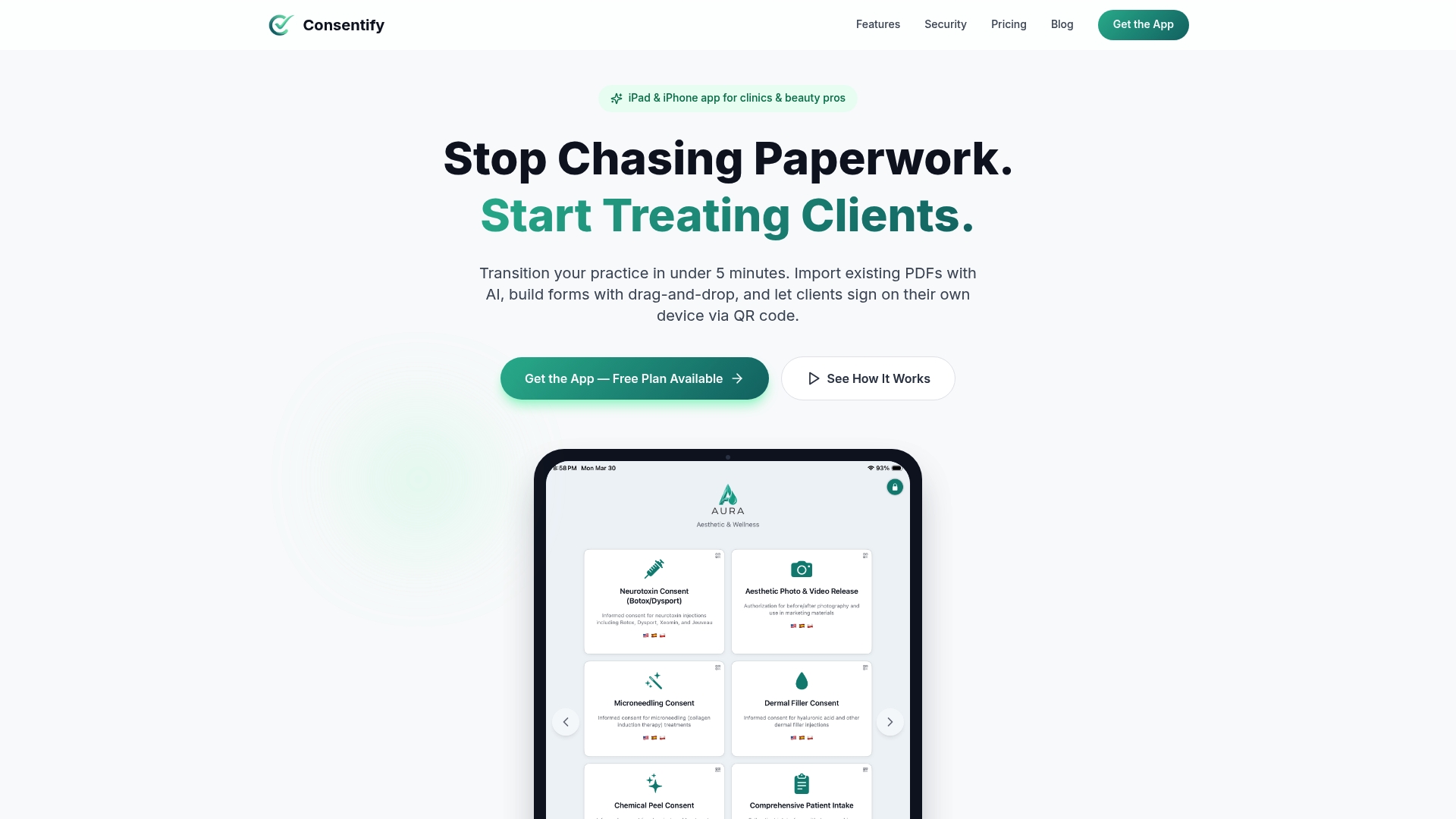
Consentify converts PDFs and paper forms into digital intake forms on iPad and iPhone using AI powered import. It stores submissions in an encrypted, searchable vault with audit logs. The app also collects signatures through QR code signing and works offline for busy clinics.
Core Features
Consentify uses AI form import to turn existing PDFs and photographed paper forms into editable digital fields. The app pairs a drag and drop form builder with QR code signing for contactless client intake and an encrypted, searchable vault for storage and audit logging. It offers multi language automatic translation, offline functionality, and client management tools such as search, notes, and photos.
Key Differentiator
The single stand out capability is the AI powered instant form conversion from PDFs and paper forms. That import reduces manual field mapping and speeds deployment on iPad and iPhone. For practices moving off paper, that capability shortens setup from hours to minutes.
Pros
The vendor describes the app as HIPAA ready. That claim signals the vendor focuses on compliance for health and regulated services. Consentify advertises military grade encryption and audit logs for signatures, photos, and records, which supports secure record keeping. The app fits solo professionals and small teams because it has an approachable interface, industry templates for clinics, salons, tattoo studios, and an offline mode so you can collect consents without internet.
Cons
- The core platform runs on iPad and iPhone only, so practices that rely on Android tablets or phones will need a workaround or a different product.
Who It’s For
You run a small clinic, beauty salon, tattoo shop, or pet care service and want to replace paper consents quickly. You need mobile first intake on iPad or iPhone with secure storage and basic team access. You do not need deep enterprise features or an Android client.
Unique Value Proposition
QR code signing lets clients sign on their device without handing over a tablet. That reduces front desk handling for high volume check ins and lowers contact during intake. Combined with the encrypted vault and offline support, Consentify moves client onboarding onto devices while keeping records searchable for audits and follow up.
Real World Use Case
A tattoo artist photographs a stencil, launches a converted waiver from a template, and sends a QR code to the client for signing. The signed waiver, client photo, and notes land in the encrypted vault with an audit trail. The artist saves time, keeps a dated record, and retains the file for future sessions.
Pricing
Consentify offers a Basic free plan for single users. Paid plans start at $9.99/month for extra templates, additional team members, more forms, and advanced features.
Website: https://getconsentify.com
Tattoo Studio Pro
At a Glance
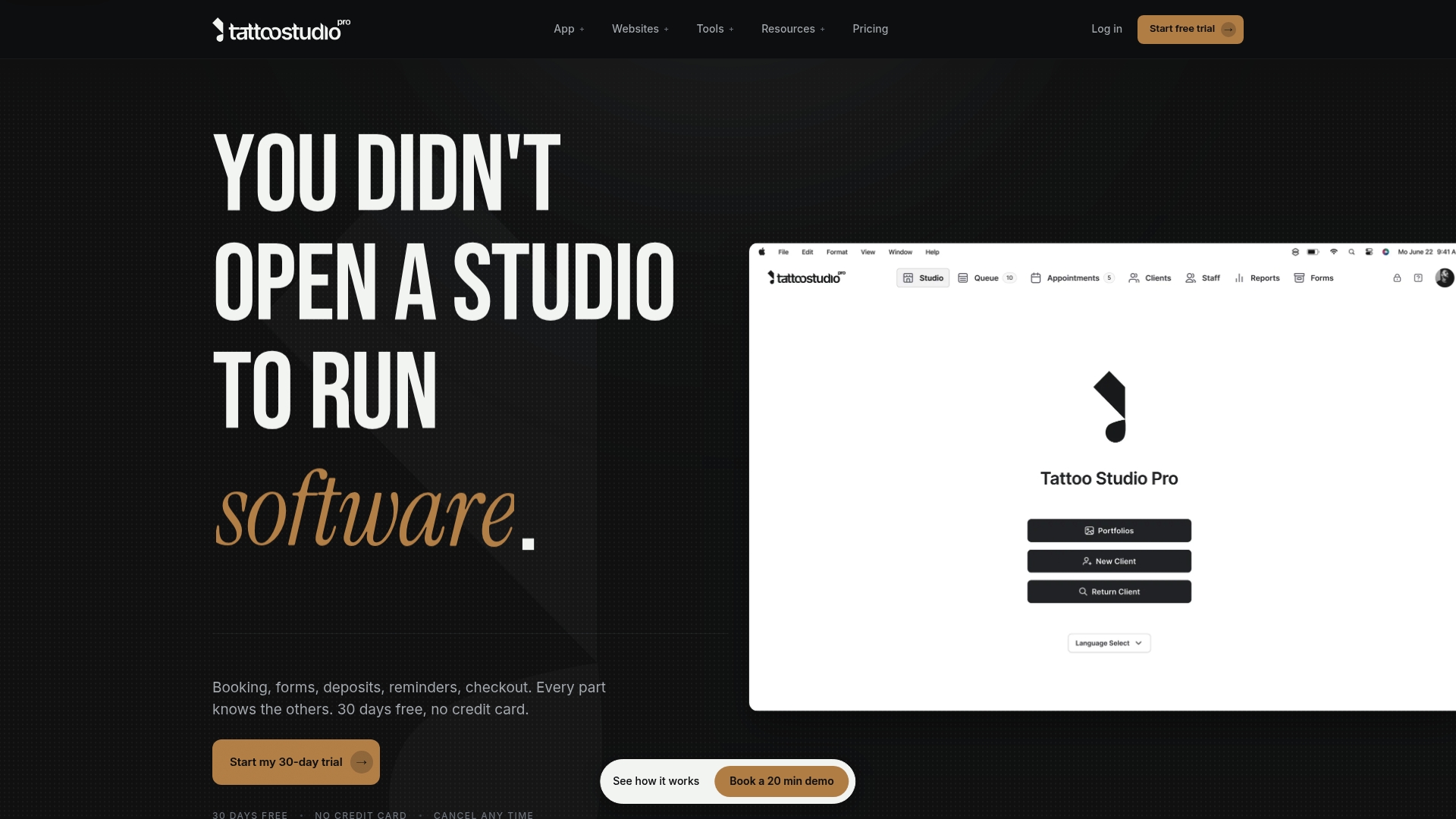
Unlimited SMS reminders come with every plan, which directly reduces no-shows for appointment-based businesses. The app runs on iOS, Android, web, and Mac, so artists can use phones, tablets, or desktops. Free data migration from existing platforms lowers friction when you move client records and forms.
Core Features
Appointment booking includes auto deposit collection and automatic reminders tied to each booking, which helps secure revenue before sessions. The system stores digital consent and health forms with signature capture, and it keeps client profiles with history, notes, and service preferences. Point of sale, integrated payment processing, and CSV exportable financial reports let you reconcile sales and produce bookkeeping exports.
Key Differentiator
The platform centers on tattoo studio needs by combining consent capture, health alerts, and role controls for inspectors and managers. That combination keeps compliance records, client permissions, and staff roles in one place rather than scattered across apps. For studios that handle regulated inspections, this focused feature set reduces administrative steps between appointments and compliance checks.
Pros
Tattoo Studio Pro bundles booking, deposits, digital consent, checkout, and reporting into a single studio workflow, cutting the number of separate tools you must maintain. Free 30-day trial lets you test scheduling and form workflows without a credit card, and the vendor includes data migration to move existing client records. Unlimited SMS reminders and role-based permissions for artists and managers lower no-shows and control access to sensitive client records.
Cons
- Initial setup can require a learning period for staff who are unfamiliar with digital booking and consent workflows. Some studios reported this learning curve when they created custom workflows.
- Pricing may feel high for solo artists on a tight budget, since full features are present at all tiers. Very small one-person studios sometimes prefer a single low-cost calendar app instead.
- Integration with third-party e-commerce or marketing tools is limited, so you may need separate tools for website storefronts or advanced email campaigns.
When It May Not Fit
If your studio relies heavily on marketing automation or a built custom storefront, this product may not cover those needs. Shops that expect deep integrations with external CRM or e-commerce systems will find gaps in the integration set. Also, teams with limited time for onboarding should plan for a few training sessions before adopting custom workflows.
Who It’s For
Independent tattoo studio owners and managers who want a focused management system built around bookings, consent forms, deposits, and payments will find this product relevant. Multi-artist studios that need per-artist reports and role permissions will benefit from the studio-specific features. Solo artists who need only a calendar and cheap payments might find the pricing heavier than necessary.
Real World Use Case
A busy tattoo shop used Tattoo Studio Pro to collect deposits at booking, capture signed consent forms, and track client notes by artist. The shop then exported CSV financial reports by artist and date range for their accountant. That setup reduced front-desk time and kept consent records organized for inspections.
Pricing
Starting at $29/month for the Solo plan, with team plans beginning at $69/month for up to five team members. Annual billing offers 30% savings, which lowers the effective monthly cost for practices that commit to a year. The free trial lets you validate features before subscribing.
Website: https://tattoostudiopro.com
Porter
At a Glance
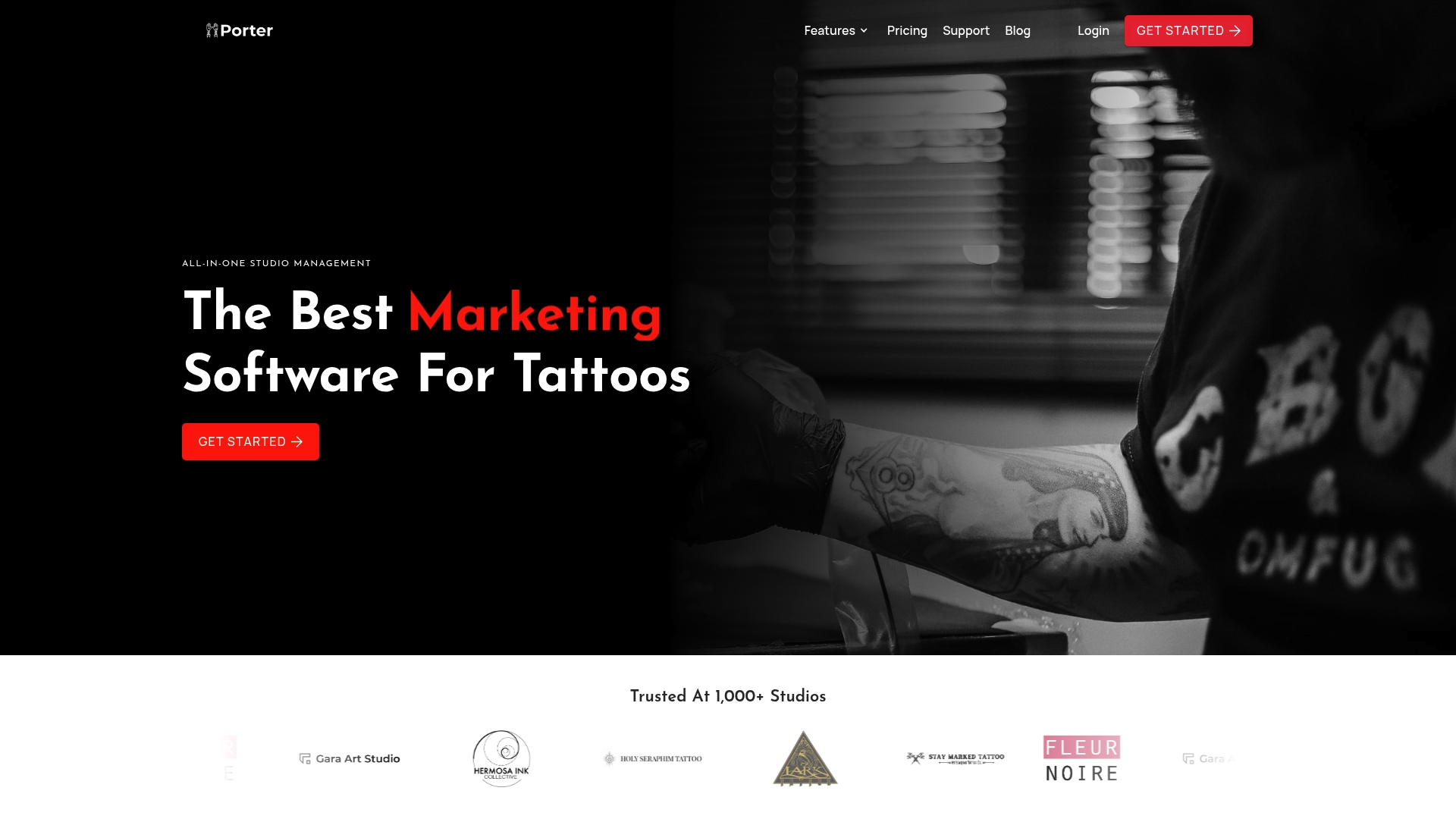
Porter reports it is trusted by more than 1,000 studios. The platform targets tattoo businesses and brings booking, payments, POS, CRM, and analytics together in one place. It includes tailored tools such as custom intake forms and consent waivers that match tattoo studio workflows.
Core Features
Porter combines appointment booking with customizable client forms that you can share through Instagram, your website, or direct links. The system sends automatic reminders and supports rescheduling to reduce no shows, and it accepts deposits and payments at booking. Porter also stores secure digital consent forms with file uploads and offers built in email and SMS tools for repeat client outreach.
Key Differentiator
Porter focuses exclusively on tattoo studios and builds common studio tasks into the product flow. That focus shapes the form templates, waiver handling, and reporting so they reflect tattoo-specific needs. The result is a single product that matches typical studio operations rather than a generic booking tool adapted afterward.
Pros
Design and workflows reflect tattoo studio realities. The product groups booking, POS, payments, client records, and marketing in one place so you do not juggle multiple platforms. Automation features cut down on no shows and reduce manual appointment work. Customer support targets studio issues and includes advice around consent waivers and intake form setup. The editable forms help you collect medical notes, image uploads, and signed consent without paper.
Cons
-
Initial setup can feel complex. Staff may need time to learn the interface and map studio procedures.
-
The interface may be less intuitive for people who have not used digital management tools before.
-
Specific details about integrations with external business systems are not listed publicly.
-
Staff moving from paper booking routines report a learning curve while adopting the software.
When It May Not Fit
If you run a business outside tattooing, Porter will likely include features you do not need. Teams that rely on a different payments or POS provider should check integration options first. If your staff resists new tools or you cannot dedicate setup time, the initial complexity may slow adoption. Larger chains with custom enterprise requirements may need a more configurable platform.
Who It’s For
Porter fits tattoo artists and studio owners who want a single system built for their daily work. You will get the most value if you need intake forms, consent management, booking with deposits, and basic marketing in one place. Solo artists and multi artist studios that can invest time in setup will benefit most.
Real World Use Case
A multi location studio uses Porter to centralize bookings across artists and locations, collect deposits, and run appointment reminders by SMS. The studio digitizes waivers so clients upload reference images and sign consent before arrival. Staff spend less time on admin and more time on appointments, while owners track revenue and campaign response through the reporting tools.
Pricing
Pricing details are not applicable here and are listed as informational only. You must contact Porter or visit the website to obtain current plan options and costs. The company publishes plan information directly rather than through third party summaries.
Website: https://getporter.io
Digital Intakes
At a Glance
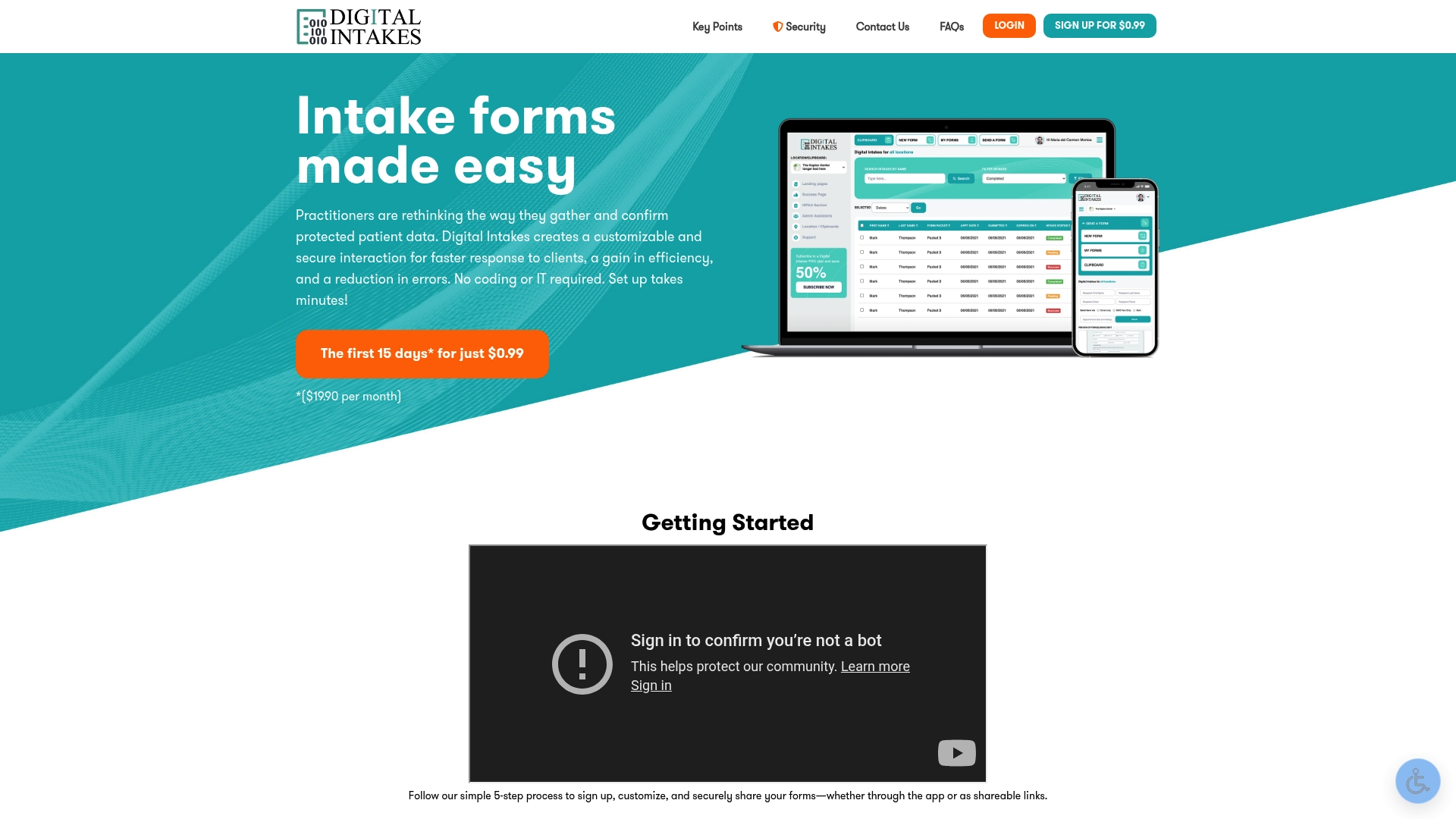
The vendor charges $0.99 for the first 15 days, then $19.90/month for unlimited forms and submissions. The vendor advertises HIPAA and HITECH compliance. That price point and the compliance claim make this a low-cost entry for small practices that need secure mobile-ready intake forms.
Core Features
Digital Intakes offers customizable forms with branding options and the ability to collect unlimited submissions. The platform uses bank-grade encryption and lets you send forms through the app, links, SMS, or email while supporting multiple add-ons such as extended storage and file upload. Administrators can create forms without coding and deploy them across locations and departments.
Key Differentiator
The product stands out for no coding required form creation and mobile-ready templates that work on any device. It focuses on quick deployment for small practices while supporting multiple locations and departmental setups. That combination targets teams that need a practical, nontechnical intake solution with basic compliance features.
Pros
Easy setup gets practices collecting information fast without IT help, which reduces administrative burden. Strong security and the advertised compliance posture protect sensitive records and reassure clinicians and front-desk staff. Customizable forms and multi-location support make the platform adaptable for healthcare, legal, and spa practices, and the low-cost trial and monthly rate lower the barrier to test and adopt the system.
Cons
- Third-party reviews point to limitations in integrations and advanced customization. These integration gaps can slow complex workflows.
- Higher-tier reporting and analytics are limited compared with enterprise platforms. Teams that need detailed operational reports will likely need another tool.
- Automation features are minimal in the base plan. Practices that require heavy automation will find the platform constrained.
When It May Not Fit
If you need enterprise-grade automation or native integrations with many back-office systems, this product may not match your needs. Larger organizations that rely on detailed analytics and scheduled reporting will find the reporting feature set thin. Practices that expect built-in workflow automation across multiple vendors should plan for additional tooling.
Who It’s For
Practitioners and small to medium healthcare, legal, and business practices that lack in-house technical support will benefit most. Teams that need secure, branded intake forms across multiple sites will find the administration tools practical. Clinics and solo practices wanting an affordable, mobile-ready solution will see the fastest return.
Real World Use Case
A chiropractic clinic replaces paper registration with Digital Intakes to reduce paperwork and speed patient check-in. Staff send links by SMS or email before appointments to cut front-desk processing time. That compliance claim gives leaders confidence about handling protected health information.
Pricing
The first 15 days cost $0.99, then the service is $19.90/month with no setup fees or long-term commitment required. The monthly model covers unlimited forms and submissions and offers optional add-ons for storage, SMS delivery, and file uploads.
Website: https://digitalintakes.com
Comparison of alternatives
Among alternatives, Consentify excels in quickly transforming paper and PDF forms into editable digital intake fields using AI.
Secure storage options
While several platforms advertise encryption and compliance, Consentify emphasizes military-grade encryption paired with audit logs for client records. Unlike competitors with limited security claims, the storage setup suits small health, beauty, and pet care providers requiring meticulous recordkeeping. Digital Intakes, in comparison, balances its compliance emphasis with a cost-effective pricing model, fitting budget-conscious clinics.
Platform compatibility
Notably, Tattoo Studio Pro operates across iOS, Android, web, and Mac devices, making it the most versatile solution for multi-device workflows. While Consentify focuses on iPad and iPhone compatibility, Porter caters exclusively to tattoo industry needs while offering targeted functionalities like email marketing tools. Practitioners using Android or web-centric systems will find Tattoo Studio Pro advantageous.
Best fit
- Clinics needing fast form conversions directly from existing paper formats, especially those prioritizing mobile security, will benefit from Consentify.
- Practices dependent on Android or cross-platform setups will find Tattoo Studio Pro a better match given its flexibility across multiple devices.
- Tattoo studios seeking industry-specific tools with tailored workflows should evaluate Porter as it aligns with common procedures in tattoo studios.
- Small healthcare and legal offices on tight budgets needing secure, compliant intake forms can consider Digital Intakes, particularly for affordability and mobile readiness.
Our pick
The ability of Consentify to rapidly digitize paper forms into usable input fields directly on iPad and iPhone devices is. Practices needing offline-supported mobile intake with direct transformation of form fields will find Consentify effective. However, teams requiring broader platform access or specialized tattoo studio workflows should assess other options like Tattoo Studio Pro or Porter.
Choose the ideal digital intake form solution with this comparison based on features, pricing, and target use cases.
| Product | Core Feature | Key Differentiator | Best For | Pricing | Limitations |
|---|---|---|---|---|---|
| Getconsentify | AI-powered PDF and paper form conversion | QR code signing with encrypted storage | Small clinics, salons, and mobile practices | Basic plan free; paid tiers starting at $9.99/month | Limited to iPad and iPhone devices |
| Tattoo Studio Pro | Booking and consent management | Studio workflow with role-based permissions | Tattoo studios with multi-artist setups | Starting at $29/month; team plan $69/month | Higher learning curve for customization and setup |
| Porter | Appointment and intake form integration | Tattoo studio-specific feature sets | Tattoo artists and studios | Price not published | Complexity during initial setup |
| Digital Intakes | Secure, customizable forms | No-code form setup with HIPAA and HITECH compliance | Healthcare and spa practices | $0.99/15 days; then $19.90/month | Limited integrations and advanced reporting options |
Choosing the Right Digital Intake Form Solution for Your Clinic or Studio
Selecting a digital intake tool that fits your small clinic, salon, or tattoo shop is critical for smooth operations. Many practices struggle with lengthy setup, limited device support, or complex workflows when considering zentake.com alternatives. Getconsentify solves these problems with AI-powered instant form import from PDFs and paper, offline functionality, and encrypted storage designed for mobile iPad and iPhone use.
Getconsentify matches your need for fast digital intake form deployment without the hassle of manual field mapping. Its QR code signing reduces contact during client onboarding, and multi-language support helps serve diverse clients. Learn more about how Getconsentify offers a secure, mobile-first intake experience for independent clinics and studios at Getconsentify.
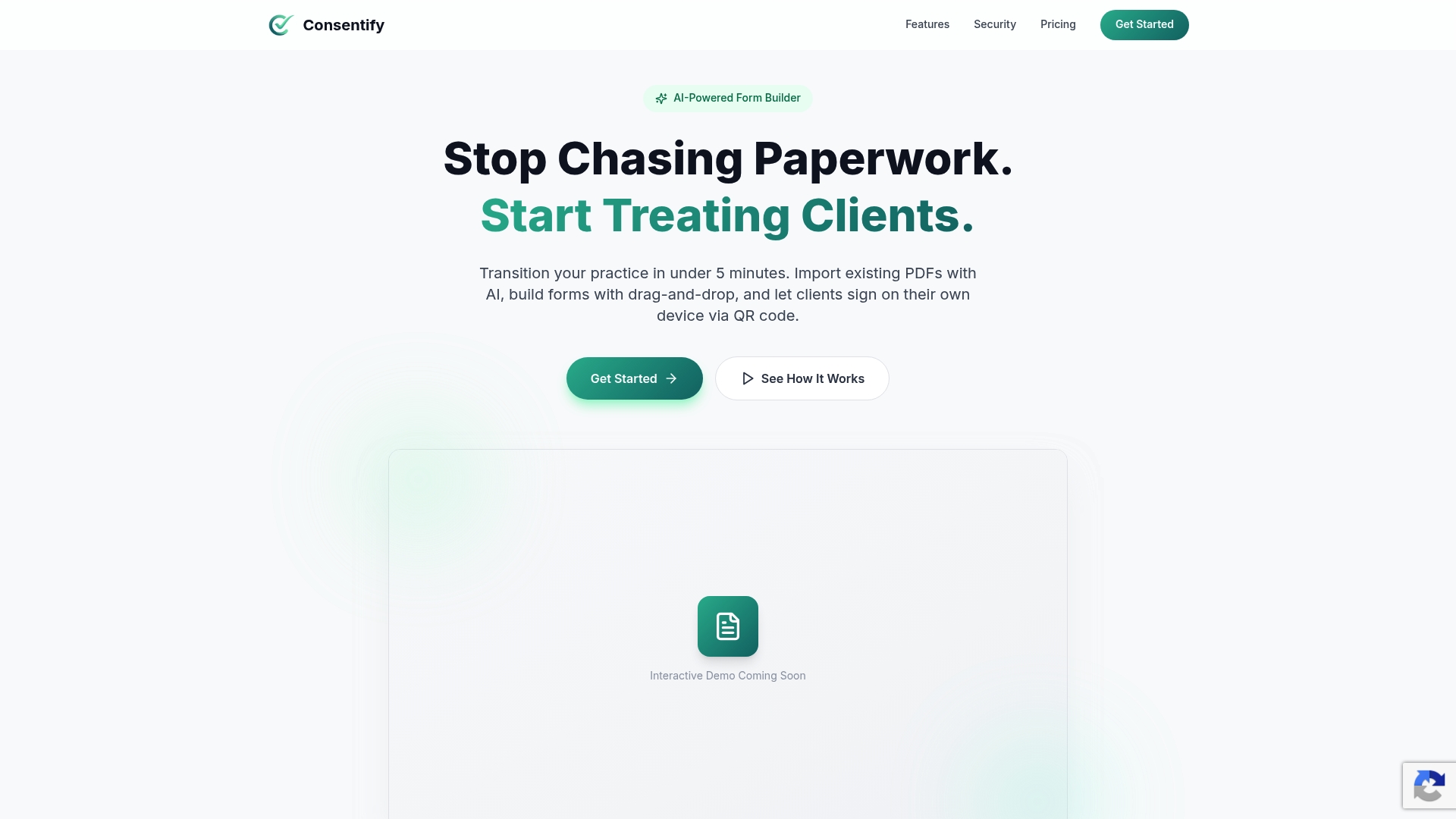
Explore Getconsentify to simplify client onboarding and store all signed forms safely in one searchable vault. Visit https://getconsentify.com and experience how quickly you can convert your existing paper forms into a digital workflow that supports your small team’s daily needs.
FAQ
What unique feature does Getconsentify provide for form management?
Getconsentify delivers AI form import that quickly converts existing PDFs and paper forms into editable digital fields. This feature reduces manual field mapping and accelerates deployment on iPad and iPhone. For practices looking to transition from paper, this capability shortens setup time from hours to minutes.
How does Tattoo Studio Pro compare to Getconsentify?
Tattoo Studio Pro offers unlimited SMS reminders with every plan, effectively reducing no-shows for appointment-based businesses. While it excels in managing appointment-related communications, Getconsentify is better suited for practices focused on quick mobile intake and secure storage with its encrypted vault and offline functionality.
Can Digital Intakes support multiple locations like Getconsentify?
Digital Intakes allows administrative form deployment across multiple locations and departments, making it adaptable for practices needing widespread use. If you’re seeking a solution that prioritizes ease and rapid setup similar to Getconsentify’s mobile readiness, this platform is a solid alternative.
What pricing options does Getconsentify offer?
Getconsentify starts with a Basic free plan for single users, with paid plans beginning at $9.99/month for access to extra templates and features. This pricing structure makes it accessible for small practices that require digital intake forms.
Does Porter provide features for client reminders like Getconsentify?
Porter includes automatic reminders, helping to reduce no-shows and manage appointments efficiently. However, Getconsentify’s focus on secure digital intake with contactless QR code signing makes it preferable for practices prioritizing streamlined client onboarding.