Top 5 Digital Intake Solutions for digitalintakes.com Alternatives 2026
Discover 5 digital intake solutions that serve as effective digitalintakes.com alternatives to enhance your client management.

Top 5 Digital Intake Solutions for digitalintakes.com Alternatives 2026

Finding a digital intake solution that matches tattoo, salon, or event workflows without extra fees or manual work is difficult. Many platforms limit features to higher paid plans, force clunky paper scans, or restrict storage and device compatibility for niche service teams. This comparison highlights pricing, import speed, integration options, and specialty controls in five alternatives so you can select software that fits your studio or business needs.
Table of Contents
Consentify
At a Glance
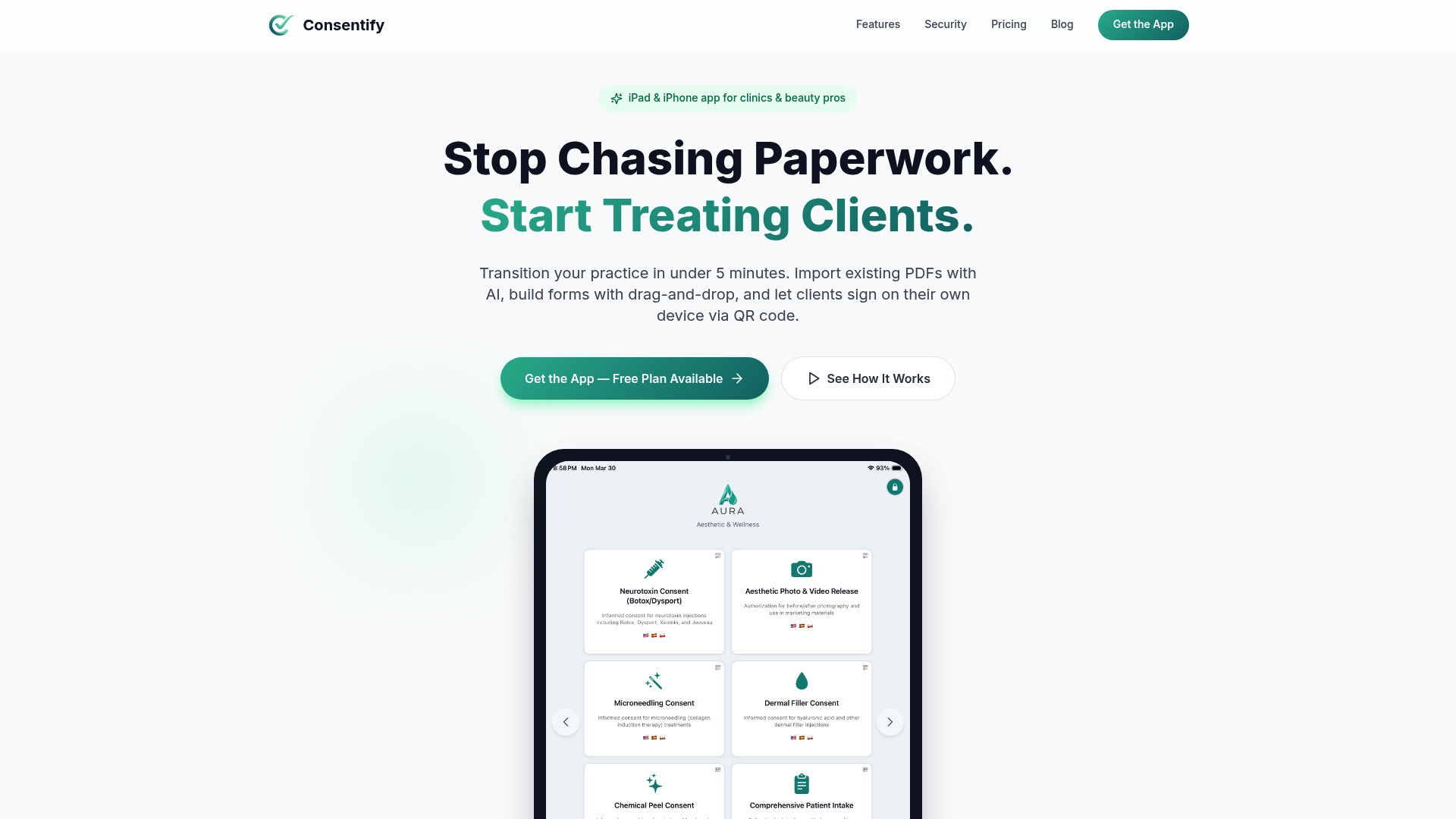
AI driven instant conversion turns paper and PDF forms into editable, branded digital forms that clients sign on their own devices. The app sends forms via QR code so clients complete intake on a phone. Forms are stored encrypted with audit logs and support offline use.
Core Features
Consentify offers AI powered form import that reads PDFs or photographed paper forms and produces editable templates. Practitioners send branded, mobile friendly forms via QR codes so clients sign on personal devices or on an iPad. The system stores signed forms with encrypted storage and audit logs, supports multiple languages, allows secure photo attachments, and includes a PencilKit template for image markup.
Key Differentiator
Consentify converts an existing paper or PDF form into a branded digital form using AI almost instantly. That conversion removes manual retyping and preserves original fields and signature blocks. For teams migrating many legacy forms, that method cuts setup work compared with rebuilding forms by hand.
Pros
Consentify advertises HIPAA ready support for practices that need privacy controls. Consentify also claims fast setup times through AI import. According to the company, AI form import completes setup in less than 5 minutes. The app includes offline mode so your practice can record consents even without internet. Branded templates and multi language support let you present professional, localized forms to diverse clients. Photo attachment with PencilKit lets artists and clinicians save before and after images or annotated consent evidence.
Cons
- Requires iOS devices such as iPad and iPhone, which limits use in non Apple environments.
Who It’s For
Small to medium clinics, salons, tattoo studios, pet groomers, and photographers who use Apple devices and need secure consent capture. Teams with many legacy paper forms benefit from AI import. Practices that require offline signing and secure photo records will find the feature set suited to hands on services.
Unique Value Proposition
The vendor lists plans starting at $9.99 per month, and a free plan is available for single users with limited templates. That pricing structure lets solo practitioners start without an upfront cost while practices scale to paid tiers for more templates and seats. Because the company claims rapid AI import, onboarding a set of legacy forms can be fast, reducing administrative labor and paper storage needs.
Real World Use Case
A tattoo studio uses Consentify to convert paper waivers into editable templates, present the waiver via QR code at the front desk, and attach photos of the chosen design. Signed waivers and annotated images are saved encrypted with audit logs, making record retrieval quick and defensible if disputes arise.
Pricing
Free plan available for basic use. Paid tiers begin at $9.99 per month for Elevate, $19.99 per month for Elite, and $39.99 per month for Empire. Higher tiers add more templates, additional users, and expanded features.
Website: https://getconsentify.com
Venue
At a Glance
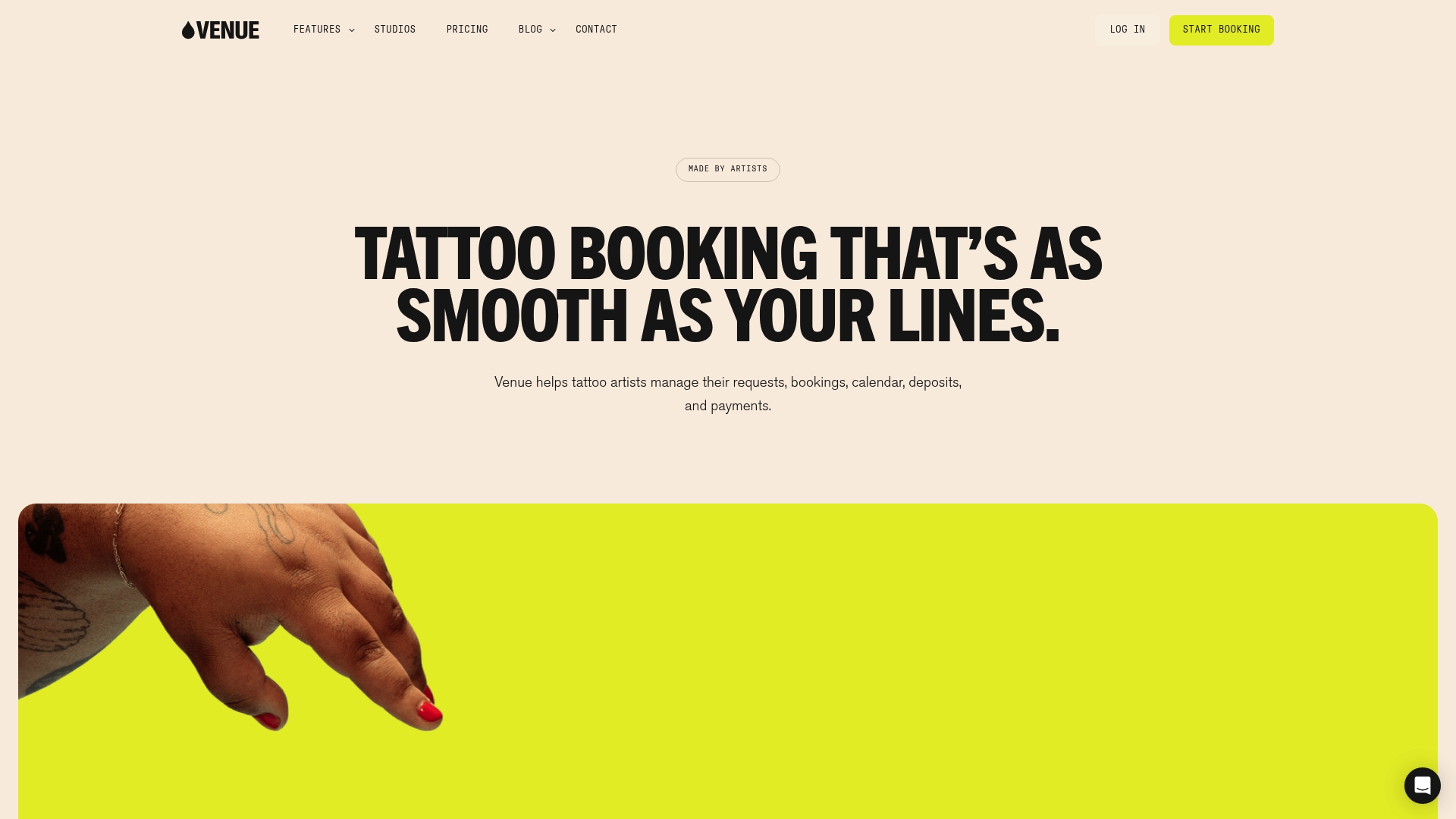
Venue reports it saved over 250,000 hours of administrative work for artists. That claim appears in the vendor material. The tool combines flash uploads, client chat, deposits, calendar scheduling, and automated text reminders into a single workspace. It targets tattoo artists and studio owners who want to reduce back-and-forth and keep bookings tidy.
Core Features
The platform supports bulk or single flash uploads and lets you share personalized booking links on social media and websites. Customizable booking forms collect references and inspiration images while client chat gathers details and coordinates deposit or full payment. Payments accept credit card, Apple Pay, and installment options like Affirm with payouts handled through Stripe and a transparent fee summary.
Key Differentiator
Venue centers on tattoo workflows rather than generic appointment booking. Every feature maps to artist tasks such as collecting references, managing flash, and requesting deposits. That focus gives tattoo artists tools that match how they work instead of forcing them to adapt to a general-purpose scheduler.
Pros
Built specifically for tattoo artists, Venue groups booking, client messaging, and payment handling in one place. It supports deposits, tips, and full payments, which helps you convert inquiries into committed appointments. The vendor claims major time savings for artists, and many reviewers praise the platform for being easy to learn and supportive of studio workflows.
Cons
- The default model charges a 10% booking fee paid by clients, which may reduce client conversions for some artists.
- Public information on subscription tiers and exact pricing tiers is limited, making cost comparisons difficult.
- Integration details beyond Stripe are sparse, which limits predictable automation with other studio tools.
- Artists who want to control fee flows or avoid third-party payments may find the model constraining.
When It May Not Fit
If you run a multi-artist studio that requires deep calendar syncing and multiple external integrations, Venue may feel limited. If you want full control over client fee handling without client-facing booking fees, this model may not fit your business. Artists who need extensive public documentation of subscription tiers will likely want a vendor that publishes detailed pricing.
Notable Integrations
- Stripe for payment processing and payouts.
Who It’s For
Solo tattoo artists and small studio owners who handle bookings and client communications directly will get the most from Venue. It suits artists who post flash on social channels and want booking links that convert those posts into appointments. Shops that rely heavily on deposits and tips will find the payment tools useful.
Real World Use Case
A tattoo artist uploads a new flash set and posts a booking link to Instagram. Clients submit references through a customized form and pay a deposit by card or Apple Pay. The artist reviews references in chat, confirms a time on the flexible calendar, and Venue sends automated text reminders before the appointment.
Pricing
Public pricing detail is limited. The vendor notes a client-paid booking fee with optional artist subscriptions that reduce fees. Visit the site for current plans and subscription options.
Website: https://venue.ink
Porter
At a Glance
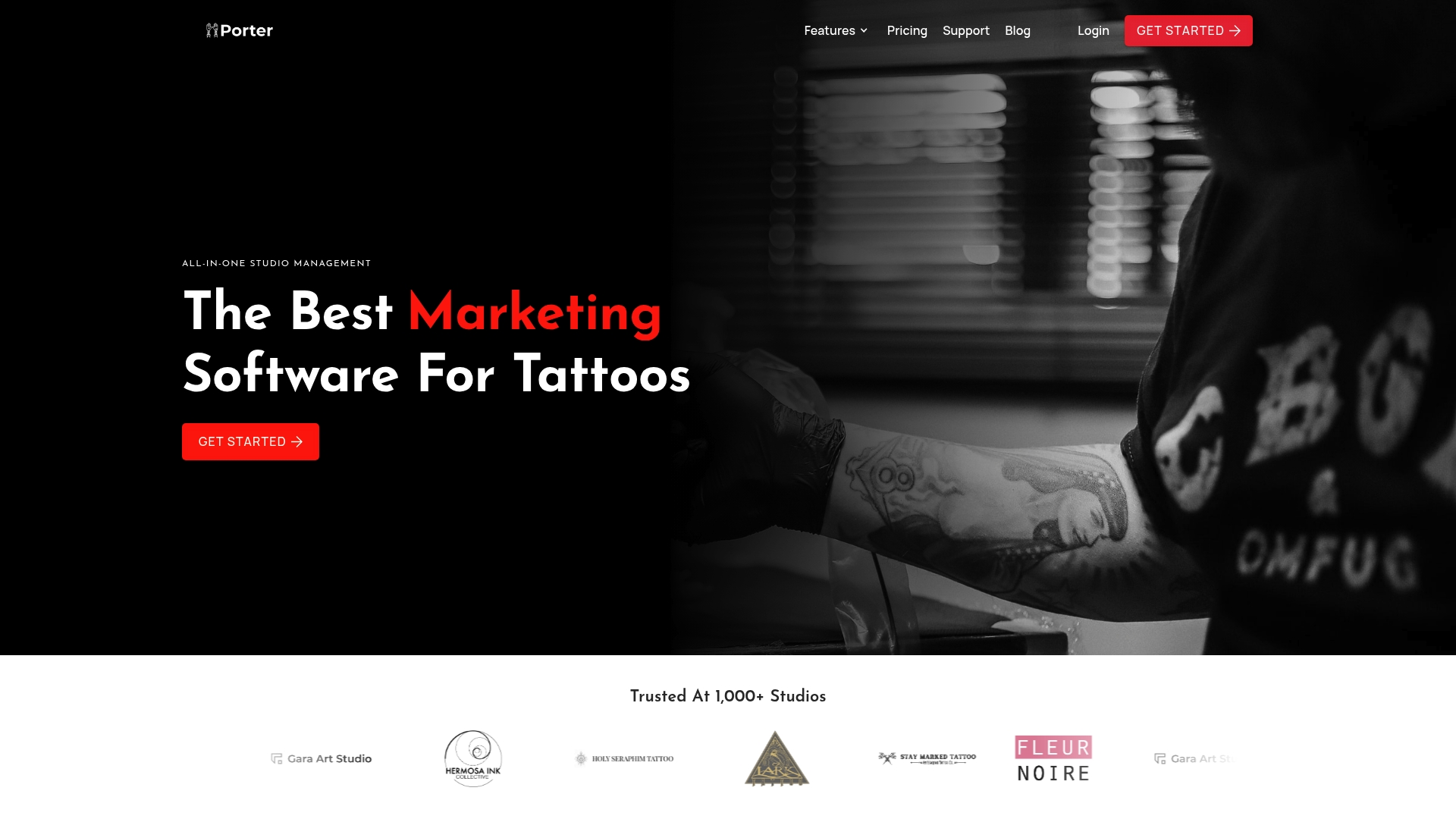
Porter reports being trusted by over 1,000 studios. That vendor claim shows the product targets a specific niche rather than general salon software. The platform groups booking, payments, POS, CRM, marketing, and analytics into one workflow for tattoo shops. This focus makes day to day operations more consistent across artists and locations.
Core Features
Porter offers online booking with customizable forms that work without an app download and built in calendar management for scheduling. It sends automated reminders and aftercare messages, supports deposits with auto collect payments, and includes integrated liability waivers for client intake. The platform also provides a built in POS with card reader support and sales tax handling for in shop transactions.
Key Differentiator
Porter concentrates exclusively on tattoo studios and artists. That narrow focus combines client intake, payments, marketing, and shop analytics in one product. The result is feature choices and defaults aligned to tattoo workflows rather than generic beauty or spa setups.
Pros
Because Porter targets tattoo professionals, it removes many common software mismatches you would otherwise fix with add on tools. Multi location support and automated workflows reduce administrative load across artists and managers. The vendor advertises measurable business gains and cites improvements in bookings, revenue per appointment, tips, and no show reduction. Strong support and user testimonials emphasize ease of use and responsive customer help.
Cons
- Pricing may be a barrier for very small or hobbyist artists or shops on tight budgets.
- Integrations outside of Payments and POS hardware are limited, which can complicate data sync with external marketing or accounting tools.
- The product is narrowly targeted to tattoo services, so adapting it for other personal services will require compromises.
- Some studios may need additional third party tools for advanced payroll or inventory workflows.
When It May Not Fit
If you run a barber, esthetics, or multiprovider clinic with non tattoo services, Porter will likely feel specialized and restrictive. Small independent artists who avoid monthly subscriptions may find the pricing tiers heavy. Shops that require broad third party integrations for accounting or marketing may need an integration plan before committing.
Notable Integrations
Porter connects to Payments & POS hardware for in shop checkout and card processing. This connection supports card readers and sales tax collection in the point of sale flow. The product does not list wider CRM or marketing platform integrations publicly.
Who It’s For
You run a tattoo studio or work as a tattoo artist and need a single system for bookings, deposits, intake waivers, payments, and basic marketing. You value industry specific defaults and want multi location controls for several artists. If you prefer a dedicated tattoo workflow rather than a generic salon tool, Porter matches that preference.
Real World Use Case
A multi artist tattoo shop used Porter to centralize online booking, require deposits, collect liability waivers, and send aftercare messages. That implementation reduced manual booking calls and improved appointment follow up. Studio managers reported measurable gains in bookings and tips and fewer last minute cancellations after adopting the platform.
Pricing
Porter lists tiers starting at $35/month for artist essentials and $65/month for Artist Pro. Full studio management plans begin at $250/month. The vendor advertises free trial options and site details for exact plan features.
Website: https://getporter.io
Docs.Ink
At a Glance
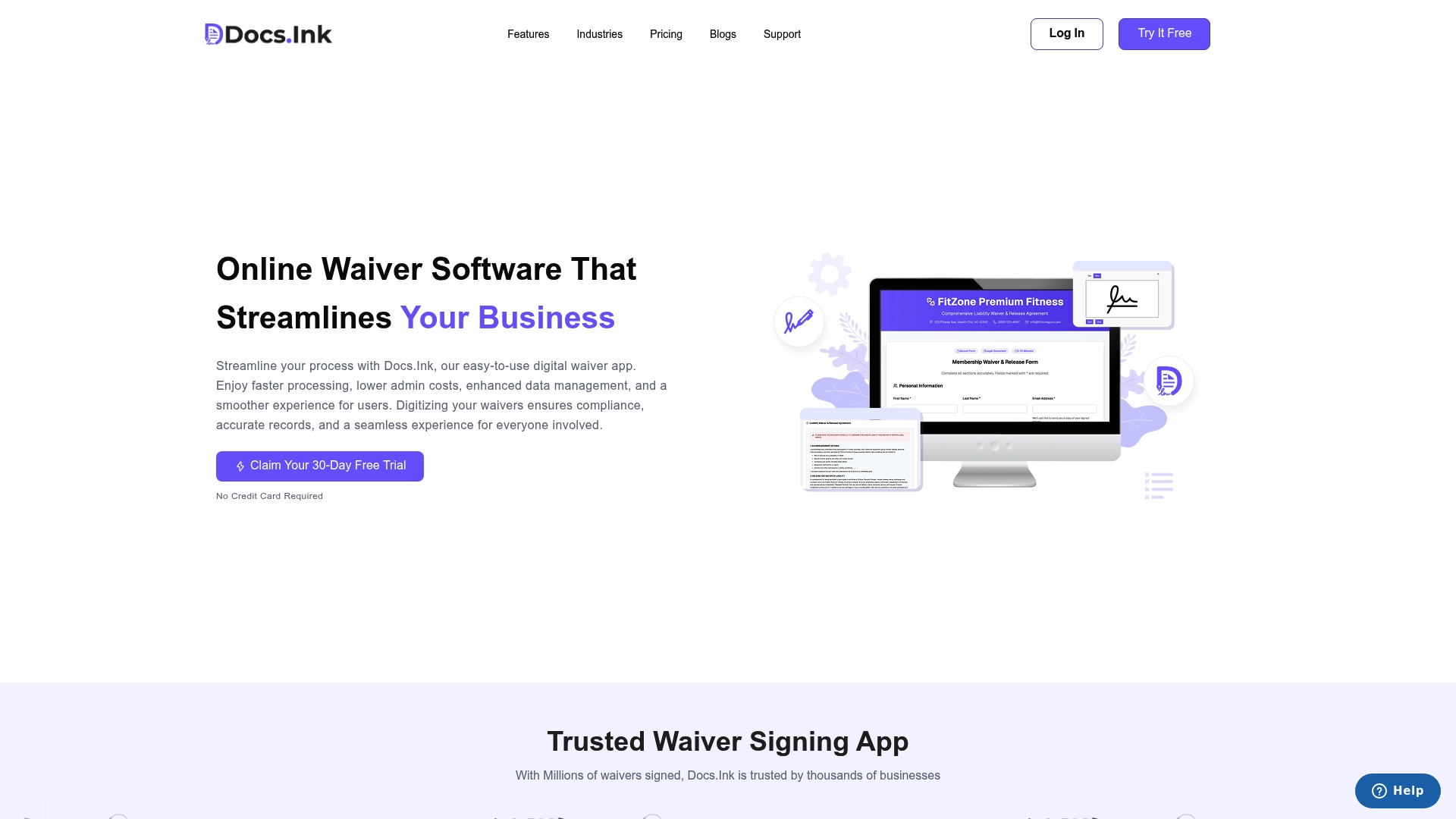
Flexible plans start with a free tier and range from $19/month to $1,982/year depending on signed waiver volume and features. Docs.Ink advertises legally valid digital signatures for waivers. That pricing plus electronic signing aims to cut on site paperwork for tours, rentals, events, and fitness classes.
Core Features
Docs.Ink handles digital waiver signing and central waiver management with configurable templates and activity specific clauses that match business needs. It provides secure data storage with encryption and real time signatures tracking for auditing and compliance. The platform also links to booking systems and supports iPad check in for faster on site processing.
Key Differentiator
The vendor positions Docs.Ink around deep booking platform integrations and live waiver tracking that update as guests sign. Customizable templates let you tailor clauses by activity and brand, which reduces manual edits. That positioning pairs operational visibility with the vendor claim of legally enforceable waivers.
Pros
Setup and template editing are straightforward, which helps small teams launch quickly. Automated workflows remove much of the day of paperwork and free front desk time for guest care. That claim about legal validity simplifies consent capture across email, QR code, and embedded signup flows. Pricing includes a free tier so businesses can trial the system before scaling.
Cons
-
Pricing complexity can confuse small operators when comparing monthly and annual options.
-
Signing requires internet access, which limits use where connectivity is unreliable.
-
Buyer feedback indicates some features are restricted to higher level plans and may require upgrades.
When It May Not Fit
If your location lacks reliable internet, Docs.Ink may not meet your needs because signatures need connectivity. Teams that require robust offline waiver capture will find limitations. Lower budget operations may hit feature gates in entry tiers and face higher costs to unlock advanced tools. Organizations that need local only storage or full offline audit trails should look elsewhere.
Notable Integrations
Docs.Ink connects with common reservation and marketing platforms used by activity providers.
- Mailchimp
- Rezdy
- FareHarbor
- Peek Pro
- Respax
- Bookeo
Who It’s For
Docs.Ink fits small to large activity providers, event organizers, and fitness centers that collect liability waivers. It suits operators who already use booking platforms and want signed waivers tied to reservations. Teams that prioritize branded templates and online signature capture will find it useful.
Real World Use Case
A water sports operator places QR codes at check in and sends waiver links in booking confirmations. Clients sign on phones or an iPad before launching, which reduces paper forms and speeds loading. The company tracks signatures in real time to confirm all participants have signed before departure.
Pricing
Flexible plans start with a free tier. Paid plans range from $19/month to $1,982/year depending on waiver volume and features required.
Website: https://docs.ink
Tattoo Studio Pro
At a Glance
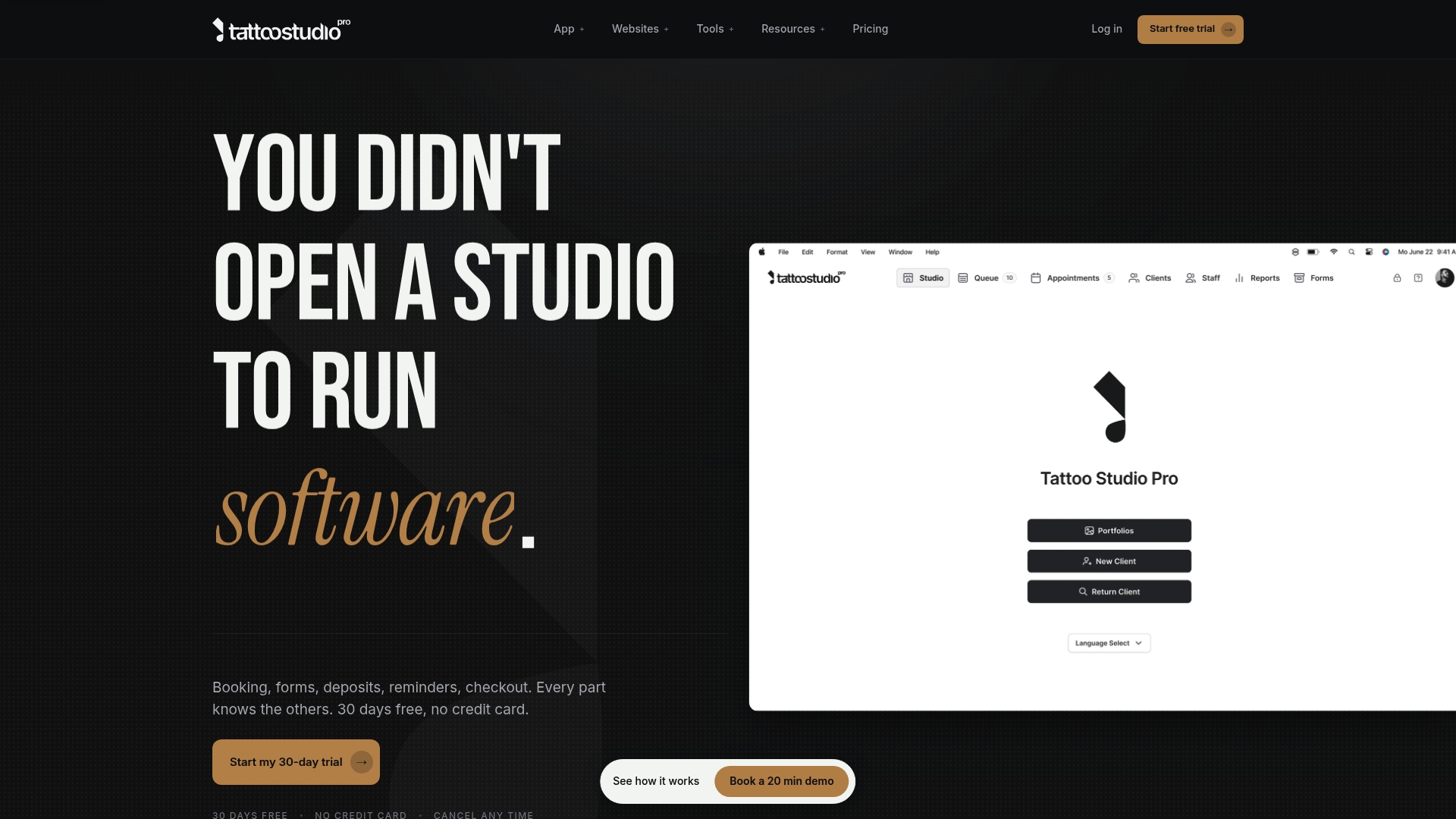
Unlimited SMS reminders with no per message charge make appointment follow up simple for busy studios. The platform includes digital consent forms, health alerts, and floor management built for tattoo and piercing work. A 30 day free trial is available with no credit card required.
Core Features
Tattoo Studio Pro handles appointment booking and scheduling tailored to tattoo studios, and it stores client profiles with full appointment history and preferences. The system includes digital consent forms and electronic signatures, an integrated point of sale for deposits and payments via Stripe, and portfolio management for artist galleries. Extensive financial reporting and analytics help owners review sales, deposits, and tax ready summaries from the same app.
Key Differentiator
The platform combines industry specific features such as digital consent forms, health alerts, and floor management in one application. Those features sit alongside scheduling and point of sale functions rather than as add ons. That single place for studio paperwork and payments is the product angle that separates it from generic appointment tools.
Pros
Tattoo Studio Pro bundles every feature into each plan so you do not lose essential tools behind feature gates. Unlimited SMS reminders reduce the need for separate messaging services and lower no show risk. Cross platform apps for iOS, Android, Mac, and web include offline support so artists can work even with spotty internet, and the vendor offers free client data migration plus personal onboarding with the founder.
Cons
- Some users report the transition requires careful setup and a learning curve. This can slow adoption during a busy week.
- Pricing starts at $29/month for a solo artist, which may feel premium to hobbyists who rarely bill clients. The feature set is still included at that entry price.
- The interface can feel complex for people who have avoided digital systems, even though it aims for simplicity.
When It May Not Fit
The product is designed specifically for tattoo and piercing studios and may not suit other salon or clinic types. Shops that need a general salon tool with bleach and color tracking will find features missing. Very small hobbyists who avoid recurring fees might prefer a free booking page or simpler calendar integration.
Notable Integrations
The platform connects payments to Stripe for deposits and final transactions. That integration allows cards to be charged for deposits and for in studio payments through the point of sale. No other third party integrations are listed.
Who It’s For
Independent tattoo artists and small to medium studios looking for a single app to handle bookings, consent paperwork, and payments will get the most from this product. Shops with multiple artists or several locations can use team plans and enterprise options. Owners who value industry specific controls over a generic scheduler will find this a better match.
Real World Use Case
A studio uses Tattoo Studio Pro to accept online booking requests, collect digital consent prior to a session, and capture deposits through Stripe. Staff send SMS reminders from the app and check clients in at the tablet when they arrive. Monthly reports combine retail and service sales so the owner closes books faster.
Pricing
Plans start at $29/month for the Solo plan and go up to $69/month for the Crew plan that covers up to five team members. Annual billing offers about 30 percent savings, and custom enterprise pricing is available for larger studios or multiple locations. A 30 day free trial is offered with no credit card required.
Website: https://tattoostudiopro.com
Comparison of alternatives
Choosing the right digital intake form software involves evaluating key features that align closely with your business needs. Each platform offers unique capabilities catering to specific requirements, such as efficient setup, integration opportunities, or tailored workflows.
Efficiency in form creation and customization
Consentify excels in rapidly transitioning legacy paper or PDF forms to branded, digital templates via its AI-driven import and setup capabilities. This feature significantly reduces time spent on manual form conversion, making the platform especially suitable for businesses with a substantial number of existing forms. Tattoo Studio Pro, on the other hand, boasts a all-in-one design approach, offering consistent user management and quick team onboarding.
Integration opportunities and niche specificity
For businesses relying on specific ecosystems, Docs.Ink facilitates connections with widely used reservation and analytics platforms, ensuring a smooth workflow integration for activity providers. Conversely, Venue and Porter have designed features tailored to tattoo studio needs, including flash image handling and client consultations for design selection. This niche compatibility enhances their usability for relevant practitioners.
Best fit
- Use Consentify to leverage rapid AI-powered form import paired with QR code-enabled client interactions, making it ideal for efficient and secure offline consent collection.
- Select Venue if you operate a tattoo studio where flash management and payment handling are central to operations.
- Choose Porter for a consolidated system best suited to large tattoo studios requiring benefits such as role permissions, multi-location management, and team collaboration.
- Opt for Docs.Ink if your business involves activity coordination and uses platforms like Peek Pro or Rezdy for reservations.
- Utilize Tattoo Studio Pro if SMS reminders without additional cost are imperative for maintaining schedules and client adherence.
Our pick
For businesses looking to quickly and transition from paper forms to digital processes, Consentify stands out due to its AI-driven form import, allowing users to save time and resources. However, for organizations that prioritize different features, such as external integrations or highly specialized tattoo work functionalities, alternatives may be more appropriate. Each platform provides a unique set of benefits tailored to specific business needs.
Choose the perfect platform for efficient and secure digital intake management based on their standout features and benefits.
| Product | Core Feature | Key Differentiator | Pricing | Notable Limitation |
|---|---|---|---|---|
| Getconsentify | AI-powered form import, branded templates | Converts legacy forms into editable digital versions | Free plan, Paid tiers start at $9.99/month | Requires iOS devices for usage |
| Venue | Customizable booking forms, Stripe payments | Tailored to tattoo workflows, including deposit handling | Price not published | Default model charges booking fees to clients |
| Porter | Integrated POS, online booking | Focuses exclusively on tattoo studio operations | Starting at $35/month | Limited integrations beyond payment systems |
| Docs.Ink | Waiver signing and management | Deep reservation platform integration | Free plan, Paid tiers up to $1,982/year | Internet connection required for signature completions |
| Tattoo Studio Pro | Scheduling with SMS reminders, offline support | All-inclusive features specific to tattoo studios | Starting at $29/month | Interface complexity for first-time digital adopters |
Choosing the Right Solution for Paperless Client Intake
Many small to medium clinics, studios, and hands-on service providers face the challenge of converting paper or PDF forms into secure, branded digital templates without spending hours retyping. This process can slow customer onboarding and complicate compliance. Key pain points include preserving original form fields, offline use, encrypted storage, and easy client access on personal devices. Getconsentify addresses these needs with AI-powered instant conversion of legacy forms into mobile-ready digital intake forms. The system supports multiple languages, secure photo attachments, and audit logs for client safety.
Getconsentify offers an efficient way for teams with many legacy paper forms to reduce manual work while maintaining HIPAA-ready privacy controls. If you seek fast setup and secure digital intake, visit Getconsentify to see how you can convert your existing forms and start accepting client consents directly on phones or iPads.
Start your AI form import and secure intake process today.
Learn more about digital intake forms at Getconsentify to improve client experience and compliance.
FAQ
What unique feature does Getconsentify offer for intake forms?
Getconsentify provides AI-powered form import that allows users to convert PDFs or photographed paper forms into branded digital templates. This feature greatly reduces manual retyping by preserving original fields and signature blocks, making it suitable for clinics and creative professionals needing quick and secure intake solutions.
How does Getconsentify compare to Venue in terms of features?
Venue effectively combines booking, client messaging, and payment handling, specifically designed for tattoo artists. In contrast, Getconsentify excels at converting legacy paper forms into digital formats instantly, making it a better choice for practices migrating from paper to digital without complex scheduling needs.
Can I use Getconsentify if my business needs to operate offline?
Yes, Getconsentify supports offline use, allowing practitioners to capture consents even without an internet connection. This capability is crucial for hands-on services like tattoo studios where internet access may be inconsistent.
What pricing tiers does Getconsentify offer for its services?
Getconsentify offers plans starting at $9.99 per month, with a free plan available for single users. This allows professionals to start with minimal upfront costs while scaling up as their business grows.
Is Getconsentify HIPAA compliant for health-related practices?
Getconsentify advertises HIPAA-ready support, which is essential for health practices that require stringent privacy controls. This feature ensures that sensitive client data is handled securely in compliance with regulations.