Top 4 orellahealth.com Alternatives for 2026
Discover 4 orellahealth.com alternatives to help you choose the best client intake software for your salon, spa, or tattoo studio in 2026.

Top 4 orellahealth.com Alternatives for 2026

Finding client intake form software that fits tattoo studio workflows, pricing, and legal intake needs frustrates many studio owners. Most mainstream intake tools lack digital waivers, commission tracking, and artist portfolio integration, making them unsuitable for tattoo businesses. This comparison covers pricing, artist support, and intake features across four platforms so you can match one to your studio without settling for generic software.
Table of Contents
Tattoo Studio Pro
At a Glance
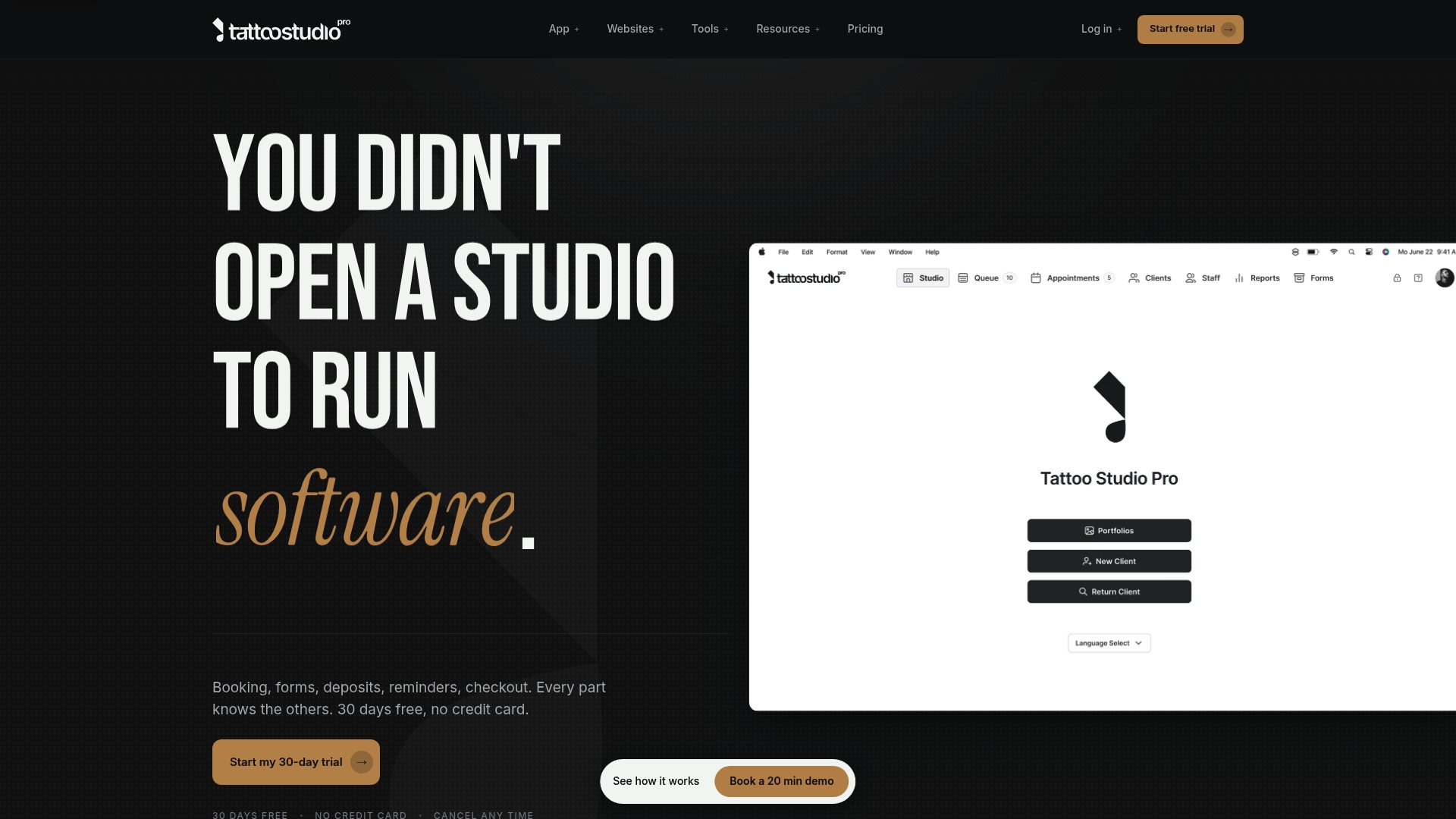
Plans start at $29/month for solo artists, and every feature is available on every plan. The vendor advertises a 30-day free trial with no credit card required on web. Free data migration and a personalized onboarding call from the founder speed initial setup and reduce lift for teams moving from other systems.
Core Features
Tattoo Studio Pro consolidates booking, client profiles, digital consent forms with e signatures, deposits, and point of sale into one interface. It adds queue management for walk ins, multilingual consent support, unlimited SMS reminders, and linked retail and service catalogs with tax rules. Cross platform access on web, iOS, Android, and Mac keeps artist schedules and records synced across devices.
Key Differentiator
The product centers on tattoo and piercing studio workflows and ships every capability on each plan. That industry focus means built in health alerts, artist portfolios, and role based permissions that match how studios operate day to day.
Pros
Designed for tattoo studios, Tattoo Studio Pro reflects common front desk and artist needs in its feature set. Including all features on every plan removes guesswork when you add staff or scale services. The platform supports digital consent forms with e signatures and multilingual options, which simplifies intake and legal record keeping. Free scheduled data migration and a founder led onboarding call reduce migration friction. Unlimited SMS reminders and online deposits help you cut no show rates and secure bookings.
Cons
- Implementation needs careful setup; buyer feedback highlights the value of taking time to configure forms and permissions.
- The app requires an internet connection for full functionality, which affects studios with unreliable connectivity.
- No dedicated marketing or payroll features are included, so you will need separate tools for campaign management and staff payroll.
When It May Not Fit
If you operate in a low connectivity area, relying on a web dependent tool will create gaps during outages. If you want built in marketing automation or payroll, this product will not replace those systems. Larger studios that need advanced HR or enterprise finance modules should look for a broader business platform.
Who It’s For
This product suits independent tattoo and piercing studios and solo artists who want a single system for bookings, consent, payments, and records. If you run a small team and prefer industry specific defaults over general business software, Tattoo Studio Pro matches that profile.
Real World Use Case
A solo artist uses Tattoo Studio Pro to accept deposits online, collect digital consent and health information before sessions, and keep appointment history tied to client profiles. That setup reduces time spent on admin each week and creates a clear audit trail for inspections. Artists use portfolio features to showcase work and book follow-ups from the same client record.
Pricing
Pricing starts at $29/month per team size, with annual billing that saves 30 percent. The platform offers a 30 day free trial with no credit card required on web. All features are included on every plan so you do not lose functionality as you add staff.
Website: https://tattoostudiopro.com
Porter
At a Glance
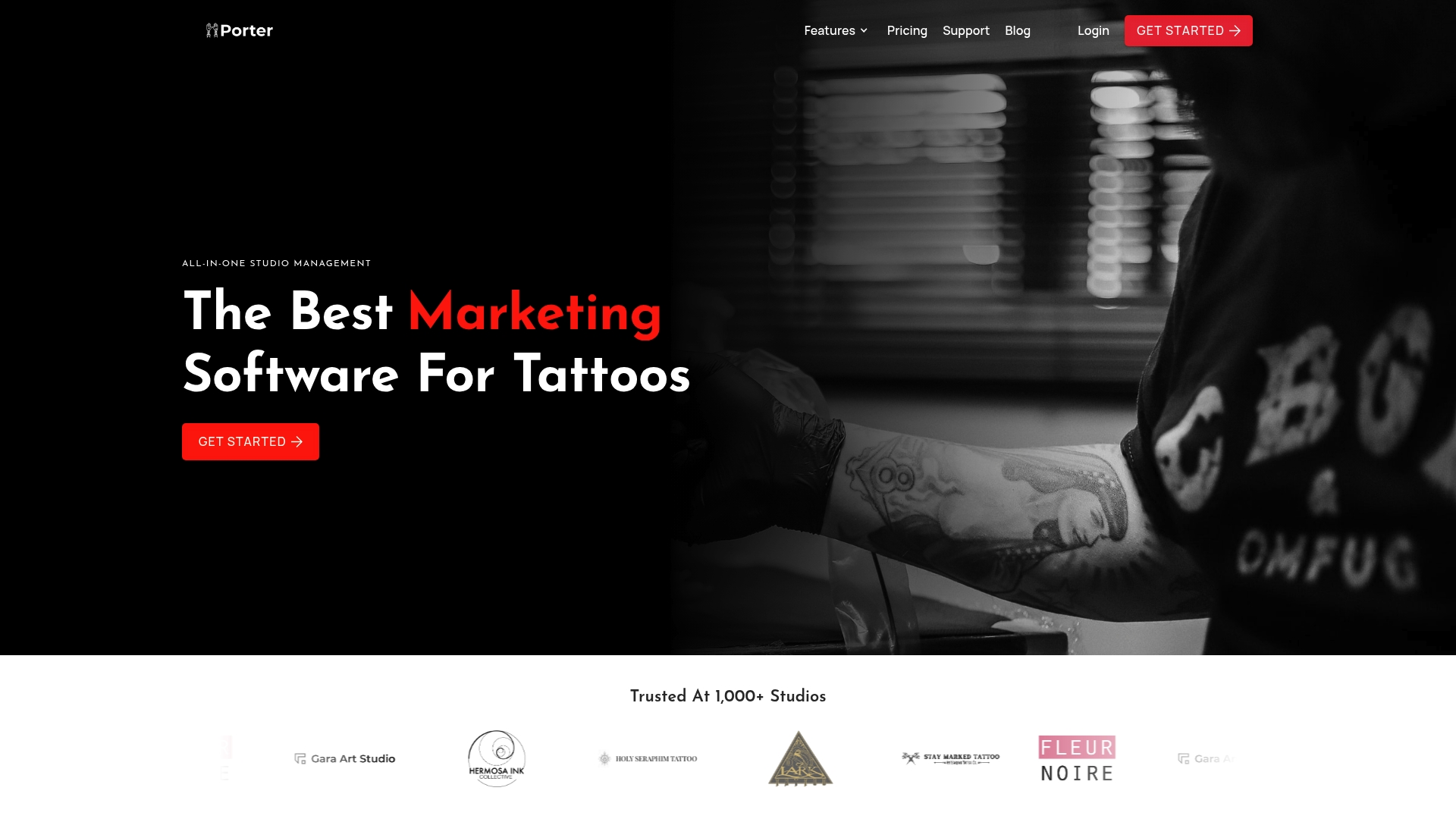
Porter reports more than 1,000 studios use the platform. This claim highlights its focus on tattoo businesses rather than general salons or clinics. The product combines booking, payments, POS, marketing, and analytics into a single, studio oriented tool.
Core Features
Porter centralizes online booking links that work with Instagram and websites, and it supports custom intake forms for each appointment type. The system automates digital waivers tied to bookings and accepts secure ID uploads at intake. Payments include deposits, auto split commissions, and Buy Now Pay Later options while built in email and SMS marketing handles retargeting and appointment reminders.
Key Differentiator
Porter targets the tattoo industry exclusively, with features mapped to common studio workflows. That focus shows in waiver handling, commission splits for artists, and booking links aimed at social channels. Shops that need a single platform for appointments payments and client outreach will find that specialization useful.
Pros
Porter builds tools that match tattoo studio routines, so setup avoids generic workarounds and custom fields. Automation reduces manual admin and lowers no show risk through reminders and deposits. Having booking CRM payments and reports in one system simplifies record keeping and makes commission accounting easier, which users report improves revenue tracking.
Cons
- Limited public detail on international availability or multi country support. Verify regional payment and tax handling before committing.
- Buyers should confirm integration compatibility with any existing payment provider or bookkeeping tool. Compatibility varies by vendor and region.
Who It’s For
Porter fits tattoo artists and studio owners who want a studio specific management stack rather than piecing together separate tools. Independent artists and multi artist shops that need booking links for social channels will benefit. Shops that split commissions and require automated consent forms will see the most value.
Real World Use Case
A mid sized tattoo shop uses Porter to accept bookings from Instagram links and route clients into custom intake forms. The shop collects deposits and gets signed digital waivers before appointments. Managers use the reporting suite to compare artist performance and adjust availability to increase bookings.
Pricing
Porter uses a subscription based pricing model, but specific costs are not publicly listed. Pricing appears to vary by studio size and feature access, so expect tiered plans or custom quotes. Contact Porter sales for a tailored price based on your shop size and payment needs.
Website: https://getporter.io
Keep The Fees
At a Glance
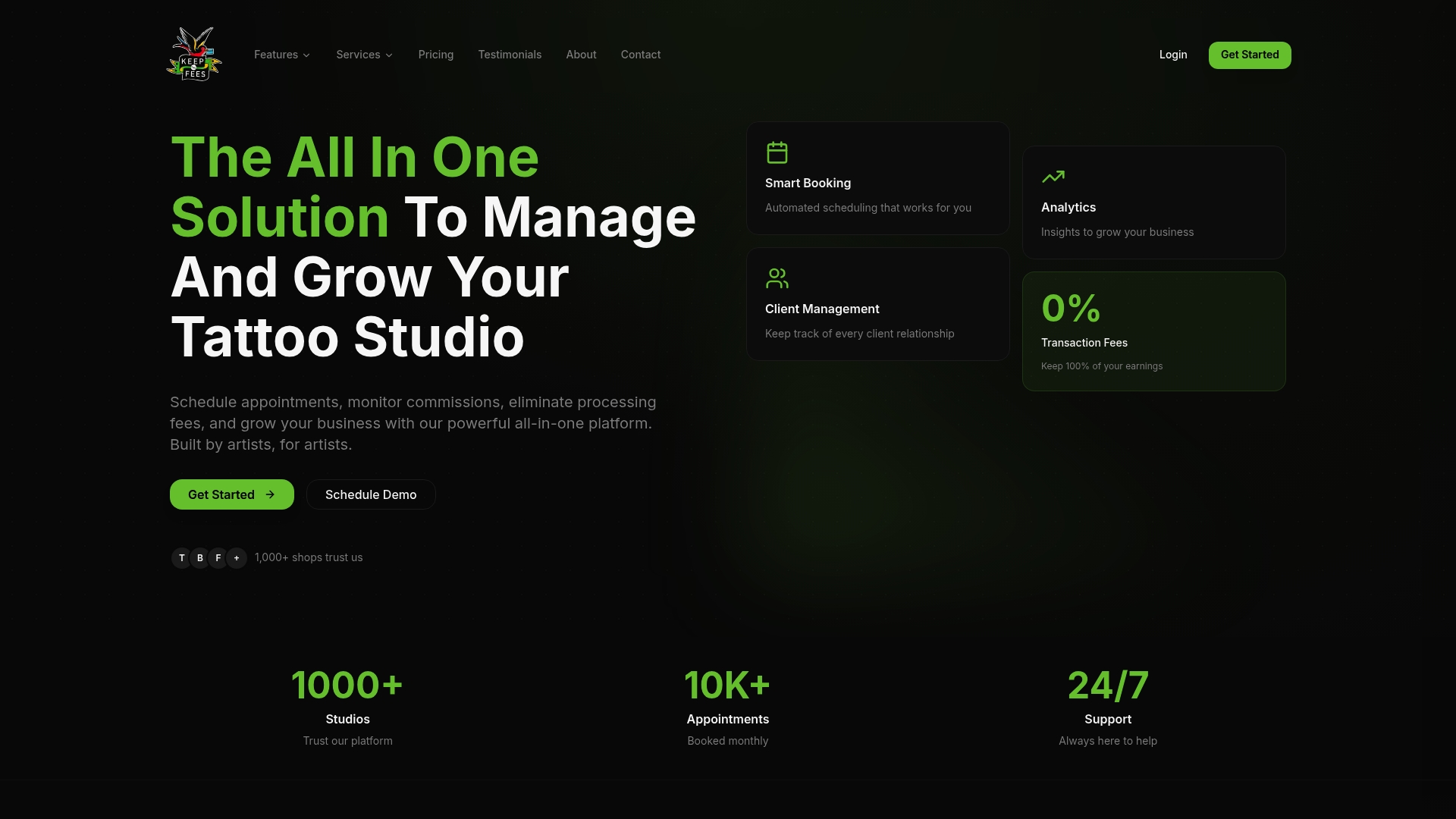
Starting at $69.99 per month for solo tattoo artists, Keep The Fees centralizes bookings, client records, inventory, artist commissions, and business funding into one dashboard. The product targets tattoo studios and advertises tools that cover scheduling, payroll, and instant funding. That pricing positions it as an entry option for single artists and a scalable path for multiartist shops.
Core Features
Keep The Fees bundles online booking, client management, and digital consent forms with artist commission handling and inventory tracking into a single view. The platform also offers reporting and payroll management alongside Digital Forms and Instant Funding to close the gap between sales and working capital. Automated reminders and real time reports aim to reduce administrative overhead for shop owners.
Key Differentiator
The platform focuses exclusively on tattoo studio workflows, combining booking, artist commissions, inventory, and funding in one environment. This narrow focus lets Keep The Fees match tattoo specific needs like commission splits and tattoo supply tracking. Shops that require those exact workflows will find fewer gaps than with general purpose salon tools.
Pros
Built around tattoo shop operations, Keep The Fees includes features such as commission automation and inventory fields that reflect common tattoo supplies. The single dashboard reduces the number of separate apps you must log into, which makes day to day shop management faster. Pricing is advertised as transparent without hidden fees, and the funding option addresses cash flow needs for studios that need quick access to capital.
Cons
-
Limited independent review coverage. There is scarce third party information about long term reliability or support quality.
-
Pricing may be costly for very small or solo operators. The individual plan starts at the stated monthly rate.
-
Feature set is tailored to tattoo businesses. Shops outside the tattoo niche may find several tools unnecessary.
-
Few listed third party integrations. If your studio depends on external systems, you may face workflow gaps.
When It May Not Fit
If your business is a salon, spa, or a multipurpose studio that does not use tattoo commission rules, this product may not match your workflows. Very small solo artists on tight margins could find the monthly cost hard to justify. If you need many external integrations for accounting or point of sale, the limited integration roster may cause friction.
Who It’s For
Tattoo shop owners and artists who want a single system for appointments, client intake, inventory, and pay splits will benefit most. The platform suits shops that track artist commissions closely and that plan to scale to multiple artists or locations. Owners who need quick funding options will also find the offering relevant.
Real World Use Case
A three-artist studio uses Keep The Fees to open booking online, collect signed consent forms before sessions, and run automated appointment reminders. The studio tracks supply levels per artist and calculates commission payouts each pay period. When the shop needs new equipment, the funding feature lets them apply quickly and keep artists scheduled while awaiting approval.
Pricing
The vendor lists a starting price of $69.99 per month for solo tattoo artists with tiered plans available for growing shops and multiple locations. Custom pricing is offered for studios that require additional locations or enterprise features.
Website: https://keepthefees.com
Linework
At a Glance
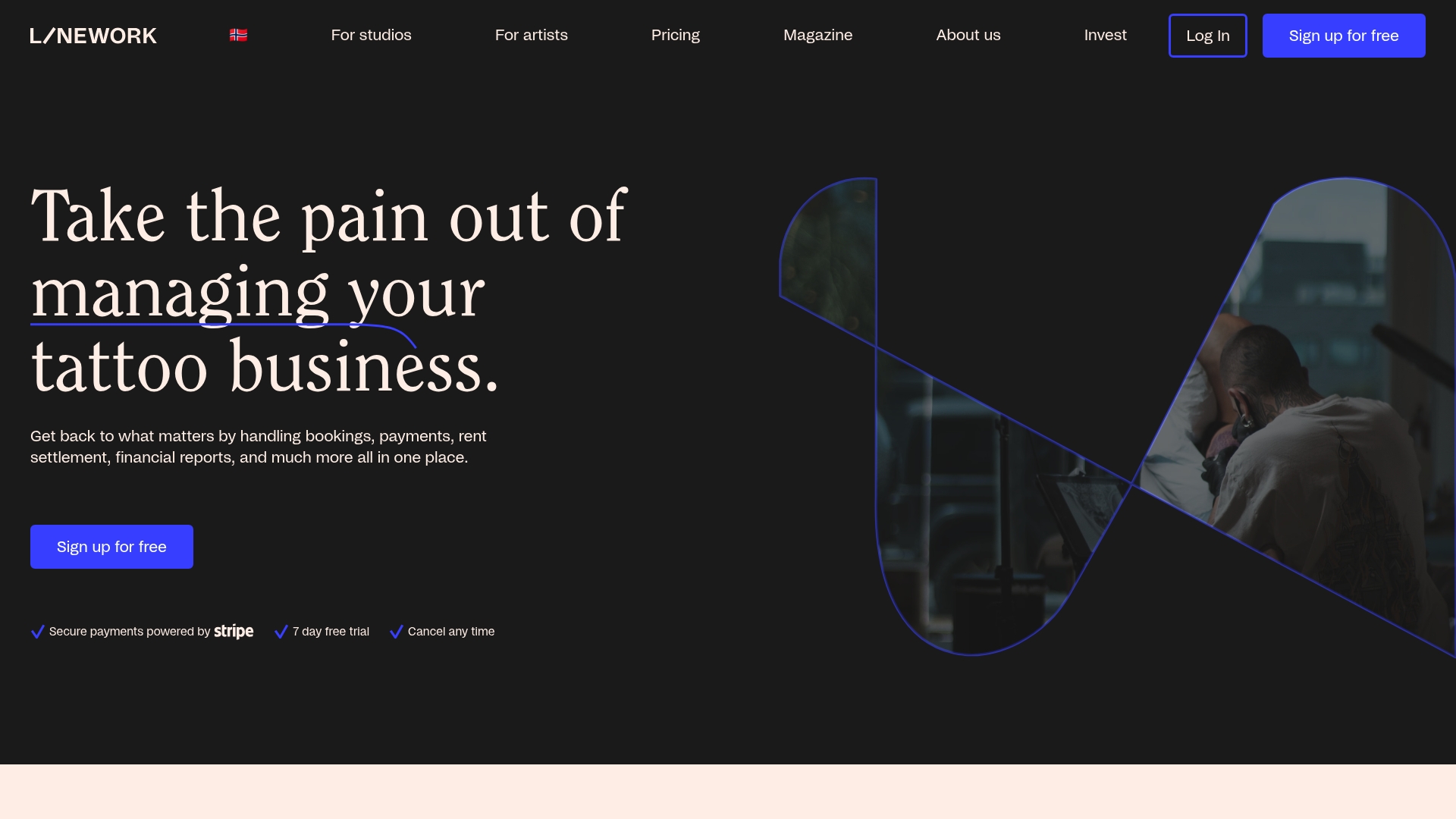
Free with transaction fees. Linework was created by tattoo professionals to match studio workflows and revenue splits. It supports QR code and SMS payment links, calendar control, rent settlements, and consolidated reporting.
Core Features
Complete calendar control and online booking let studios manage appointments across artists and rooms. Payments work through QR codes and SMS links and integrate with Stripe. Automated rent handling and consolidated financial reports track revenue splits and produce tax summaries.
Key Differentiator
Built by tattoo industry experts, Linework focuses on studio specific workflows and artist revenue sharing. That niche makes day to day tasks like rent splits and appointment coordination faster for studios. The focus narrows features compared to general business suites.
Pros
Designed for tattoo studios, it consolidates bookings, payments, and accounting in one app and reduces repetitive admin. Stripe integration handles card processing while QR code payments let clients pay from their phones. Automated rent settlements and synchronized studio and artist management simplify payouts and bookkeeping.
Cons
- Feature set may be limited compared to broader CRM and business management systems.
- Some staff report a learning curve during setup, especially non technical team members.
- Dependent on internet access, so outages interrupt bookings and payments.
When It May Not Fit
If you need full featured CRM tools or advanced marketing automation, Linework may feel constrained. Large multi location operators requiring deep integrations may prefer a general business management platform. Studios that must operate reliably offline should plan for the platform’s internet dependency.
Notable Integrations
Connects to Stripe for payment processing and payout routing.
Who It’s For
Tattoo artists and studio owners who want tools tailored to bookings, payments, and revenue splits will benefit. Managers handling artist payouts and tax reporting find its rent settlement tools useful. Small teams without dedicated IT should budget time for setup and staff training.
Real World Use Case
A three chair studio uses Linework to accept QR code payments, allocate revenue to artists, and produce monthly tax reports. Artist calendars sync so managers avoid double bookings and reduce manual reconciliation. That frees the owner to spend more time on client care and shop operations.
Pricing
Linework runs a free plan that charges transaction fees on payments. The vendor states optional premium features may be available for an added fee.
Website: https://linework.com
Comparison of alternatives
Selecting the right client intake software for tattoo studios requires evaluating specific studio needs against the capabilities provided by each platform. While all reviewed options are well-suited to studio environments, certain competitors cater to needs that others may not fully address.
Feature emphasis: workflows versus breadth
Getconsentify.com targets simplified client compliance workflows, making it especially effective for small to mid-sized studios prioritizing efficient intake processes. Porter excels in social media-driven client acquisition, linking booking systems directly to platforms like Instagram for streamlined client interaction. Tattoo Studio Pro provides multilingual support and full access to features across all plans, a practical option for inclusive setups and establishments scaling their teams. On the other hand, Keep The Fees stands out in payroll and inventory management, addressing financial tracking and resource optimization for larger operations.
Pricing transparency and accessibility
Tattoo Studio Pro offers straightforward tiered pricing starting at $29 per month with consistent access to features across plans. Conversely, Porter provides flexible subscription-based pricing, which includes built-in marketing, offering value to studios heavily focused on client outreach. Keep The Fees begins at $69.99 per month, emphasizing features such as instant funding to support shops needing quick financial solutions. Importantly, Linework operates on a transaction-based model, appealing to entry-level or cost-conscious setups wishing to avoid ongoing subscription costs.
Best fit
- For studios prioritizing compliance efficiency and streamlined workflows, getconsentify.com provides a balance of specific features useful for intake simplification.
- Tattoo shops focused on enhancing their social media integration for bookings should consider Porter, with its capability to integrate Instagram links and manage targeted reminders.
- Larger establishments requiring payroll and inventory management tools will benefit from Keep The Fees, which caters to scaling organizational needs.
- Tattoo professionals seeking a no-commitment payment structure might choose Linework, ideal for side-experiments or cost-driven teams.
Our pick
For studios emphasizing client compliance and data management workflows, getconsentify.com offers tailored solutions that fit efficiently into such focused environments. However, those leaning heavily on social media-driven bookings or requiring broader financial management may find Porter or Keep The Fees more aligned with their operational needs.
To decide which platform best suits your tattoo studio needs, review the following comparison based on pricing, features, and limitations:
| Product | Key Feature | Best For | Pricing | Limitation |
|---|---|---|---|---|
| Tattoo Studio Pro | Consolidates features for tattoo studios | Solo artists and small studios | $29/month | Requires consistent internet connectivity for functionality |
| Porter | Management tools tailored to social media | Studios using social media booking | Price not published | Unclear regional compatibility and payment provider integrations |
| Keep The Fees | Funding and inventory tools for studios | Multi-artist studios | $69.99/month | Limited support for external integrations and general use cases |
| Linework | Rent and revenue tracking for artists | Studios specialized in tattoos | Free with transaction fees | Requires internet access; advanced marketing tools unavailable |
Choosing the Right Digital Client Intake for Tattoo Studios and More
Tattoo studios, spas, and clinics face complex intake demands such as managing digital consent forms, multilingual support, and safeguarding health data. Many orellahealth.com alternatives lack deep industry focus or require multiple apps. Consentify offers a single digital front door to replace paper forms with AI-powered editable PDFs. It simplifies client intake by letting clients complete forms on their devices using a quick QR code scan.
Key benefits include:
- HIPAA-compliant, tamper-proof audit logging for legal safety
- Multilingual forms and photo capture for detailed records
- Fast setup that cuts administration time dramatically
See how Consentify fits tattoo studios, spas, and clinics and improve your client onboarding.
Request a personalized demo at Consentify and get your digital consent forms ready to go in under 24 hours.
Learn more about Consentify’s AI-powered digital intake and experience client intake that saves time while protecting patient data.
FAQ
How does Consentify simplify client intake processes?
Consentify streamlines client intake by providing a centralized platform for digital consent forms with e-signatures. This feature enables easier management of legal documents and patient information. Consider trying it out to see how it can enhance your workflow.
What is the difference between Consentify and Tattoo Studio Pro?
Tattoo Studio Pro is designed specifically for tattoo and piercing studios, offering features like unlimited SMS reminders and appointment scheduling tailored for that industry. Consentify excels in general client intake forms and health data management, making it suitable for a broader range of healthcare scenarios, which could work better for your needs.
Can I use Consentify for multilingual client intake forms?
Consentify supports multilingual consent forms, making it easy to accommodate clients who speak different languages. This capability allows for more inclusive client engagement and legal compliance. Explore this feature to improve the intake experience for your diverse clientele.
How does Consentify handle data migration for new users?
When starting with Consentify, users can benefit from free data migration to ensure a smooth transition from existing systems. This feature can significantly reduce the administrative burden during onboarding. You should take advantage of this service for a seamless start.
What pricing tier does Consentify offer for solo artists?
Consentify starts at $29/month, making it an affordable option for solo artists. This pricing tier includes full access to all features, allowing individual practitioners to benefit without added costs as they grow. Evaluate this tier to see if it fits your budget and needs.
Recommended
- Top 4 ZenTake.com Alternatives for Digital Intake Forms 2026: Consentify
- Top 5 Digital Intake Solutions for digitalintakes.com Alternatives 2026: Consentify
- MedSpas: The Clinical-Grade Consent Engine for Modern Aesthetics. | Consentify
- Chiropractic: Streamline Your Patient Intake. Simplify Your Billing. | Consentify